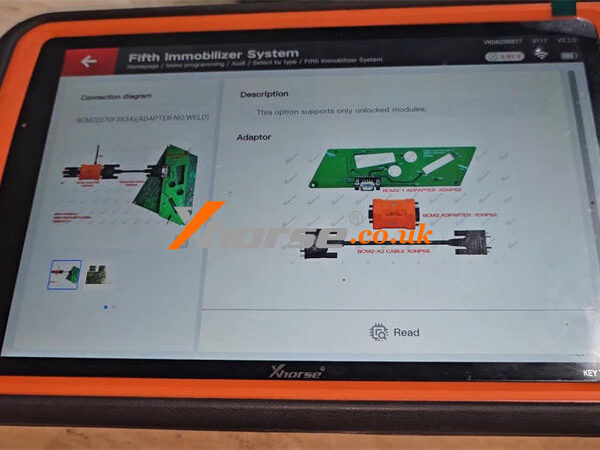
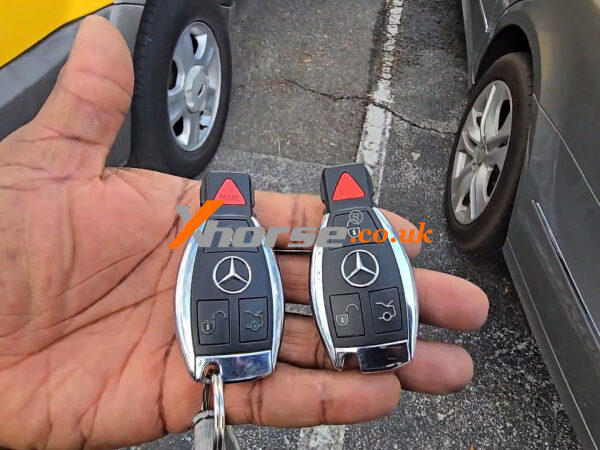
Cloning a BM.W key has become significantly more efficient with the Xhorse BM.W dedicated adapter. This method allows you to duplicate an original key and use it directly in the vehicle without any additional programming.
In this guide, we will walk you through the complete process, from generating a remote to successfully cloning the key.
Supported Systems
The Xhorse BM.W dedicated adapter supports the following BMW immobilizer systems:
BDC2
BDC3
BCP
U-Chassis
Once the cloning process is complete, the new key can be used directly—no further programming is required.
Adapter Overview
There are four types of VVDI BM.W adapters:
Three adapters require opening the key shell and connecting directly to the key PCB for data reading.
One adapter allows direct reading without opening the key shell, making the process faster and more convenient.
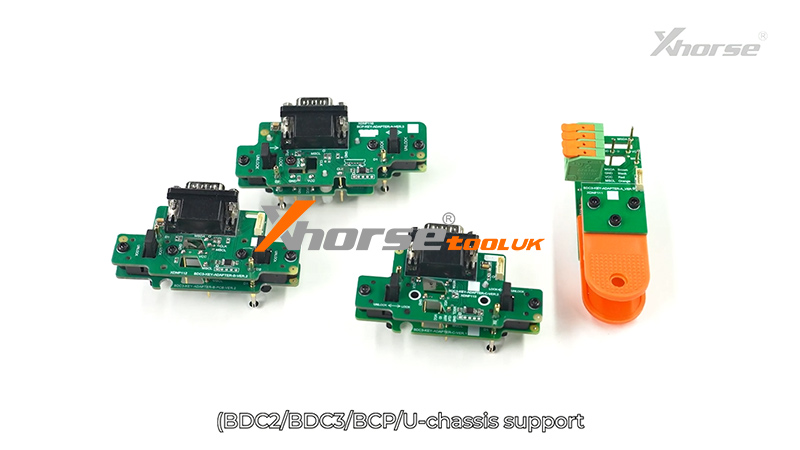
In this tutorial, we will demonstrate the procedure using one adapter as an example. The steps are identical for the other adapters.
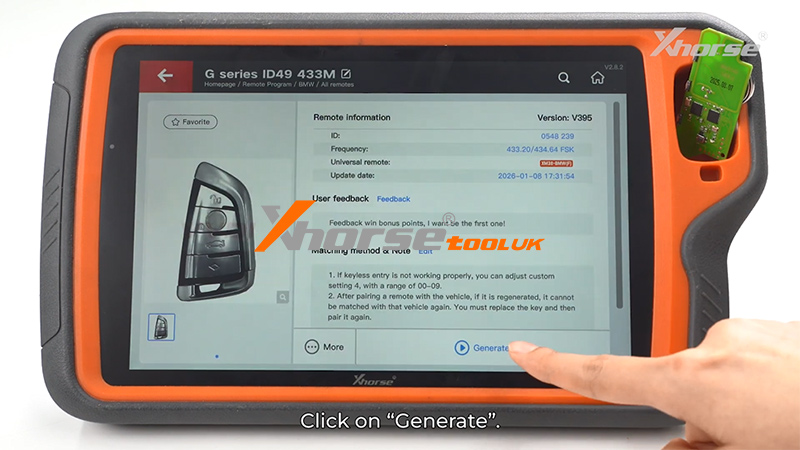
Step 1: Generate VVDI BMW Dedicated Remote
Before using the adapter, you need to generate the VVDI BMW dedicated remote:
Open the device and select [Remote Program]
Choose the corresponding remote type
Click [Generate]
Wait until the generation is complete
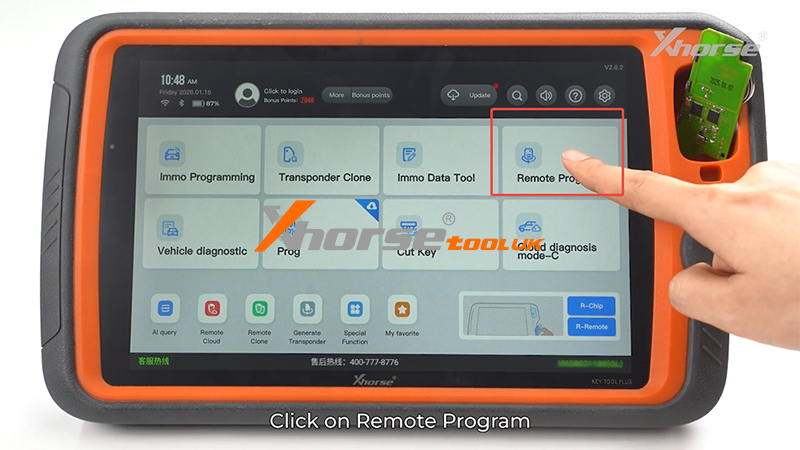
Step 2: Enter IMMO Programming Mode
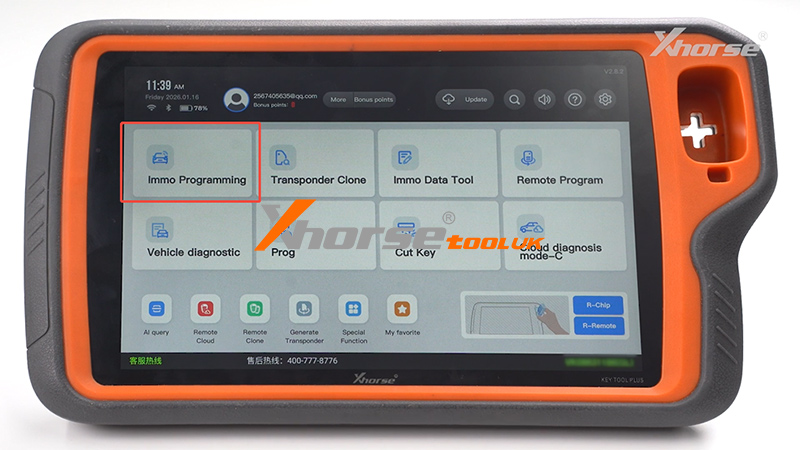
Return to the main interface
Select [Immo Programming]
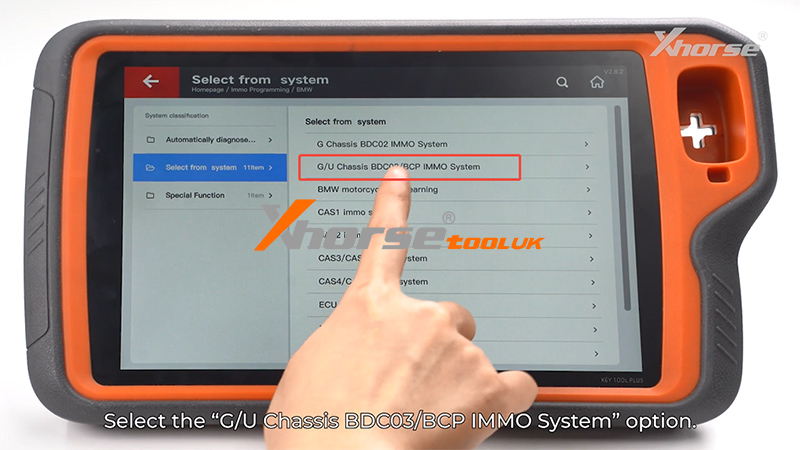
Choose [BMW]
Click [Select from system]
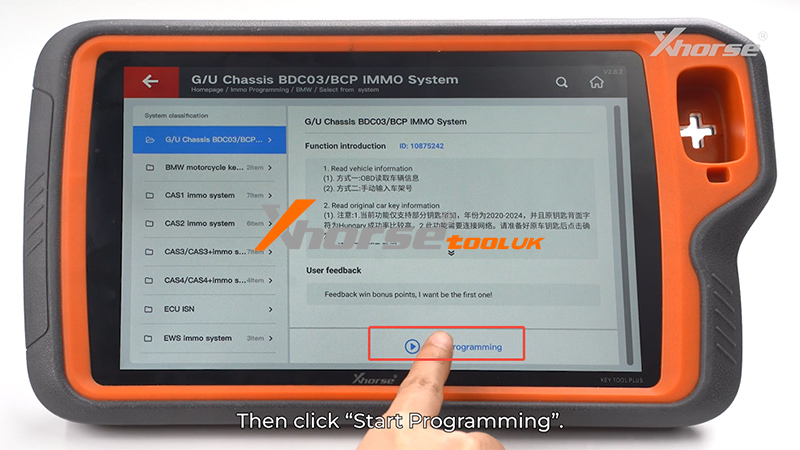
Select [G/U Chassis BDC03/BCP IMMO System]
Click [Starting Programming]
Step 3: Read Original Car Key Information
Now we proceed with reading the original key data.
Select [Read original car key information]
Follow the on-screen instructions
If necessary, refer to the wiring diagram provided by the device
Adapter Installation
Locate the two positioning holes on the key PCB
Align them with the positioning pins on the adapter
Press down firmly to secure the connection
Once installed correctly, the adapter is ready for operation.
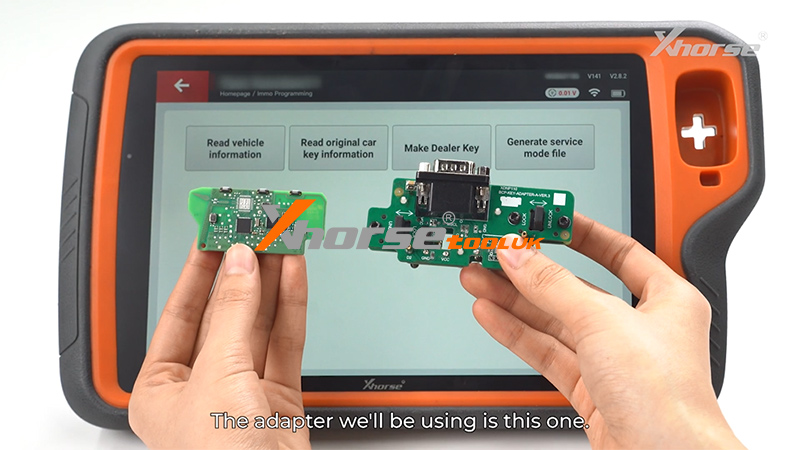
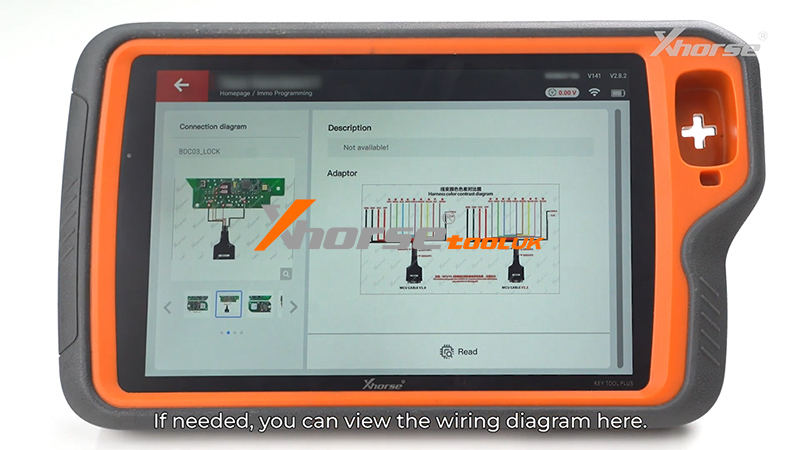
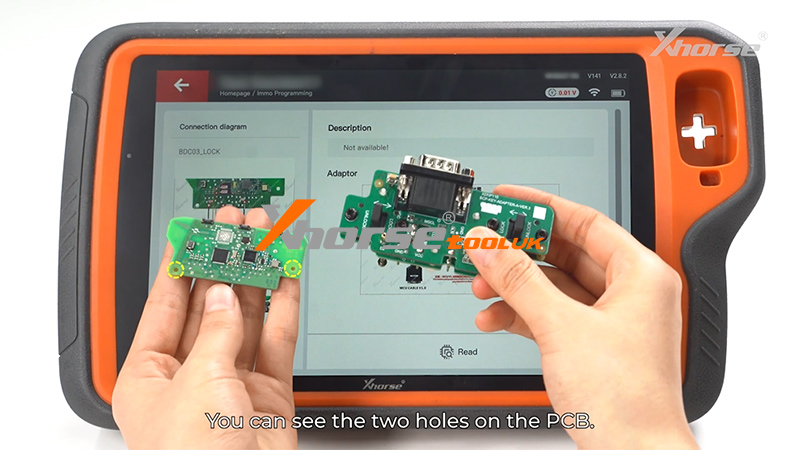
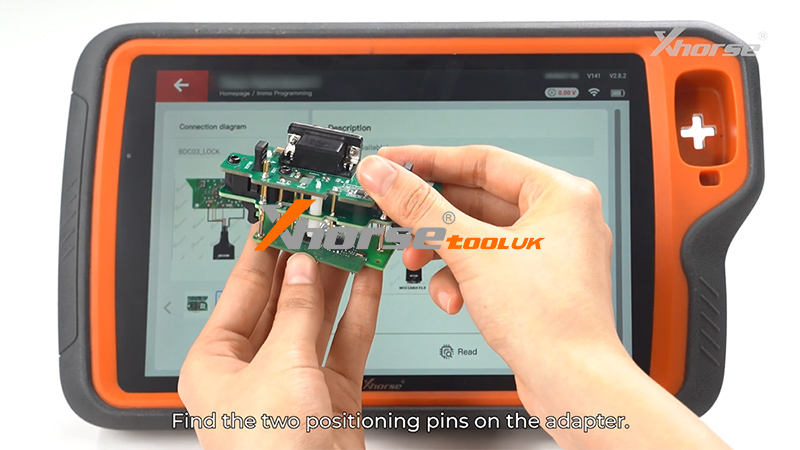
Step 4: Connect and Read Key Data
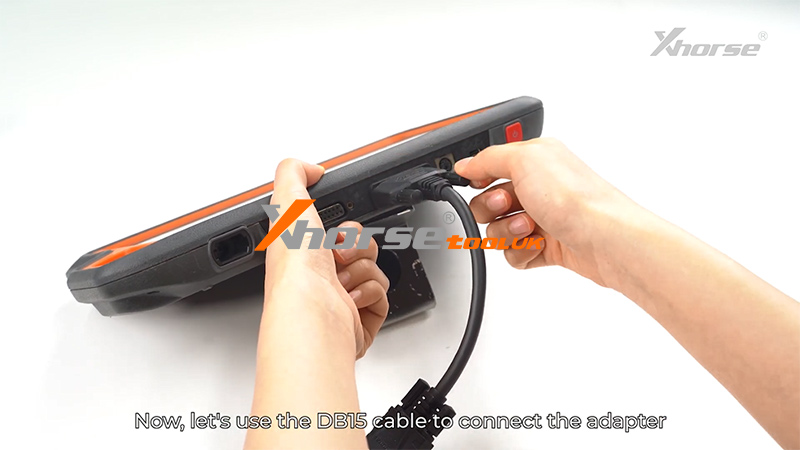
Use the DB15 cable to connect the adapter to the Key Tool Plus
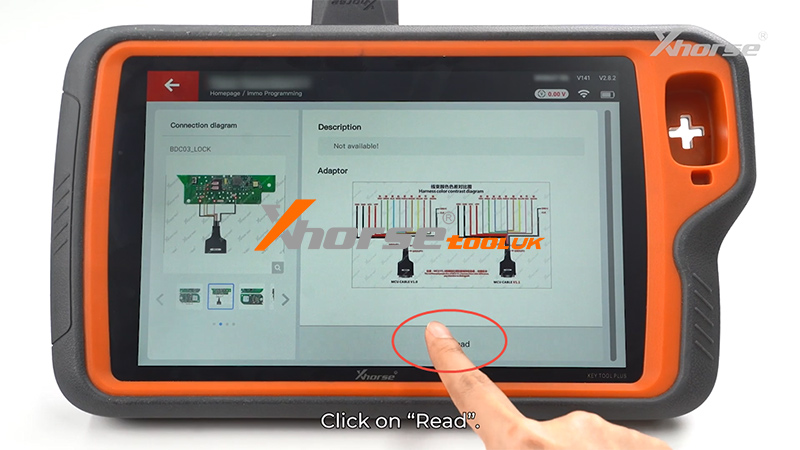
Click [Read]
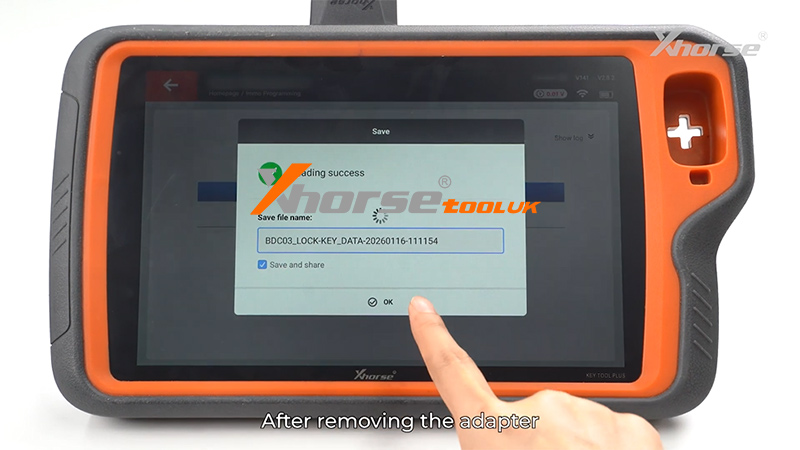
After reading is complete, save the data file
Click [OK]
Step 5: Generate Dealer Key (Clone Key)
Remove the adapter
Select [Make Dealer Key]
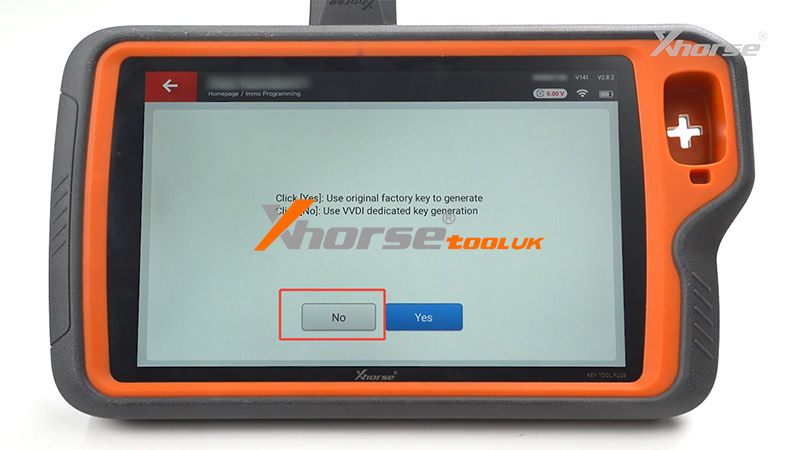
Click [No] when prompted
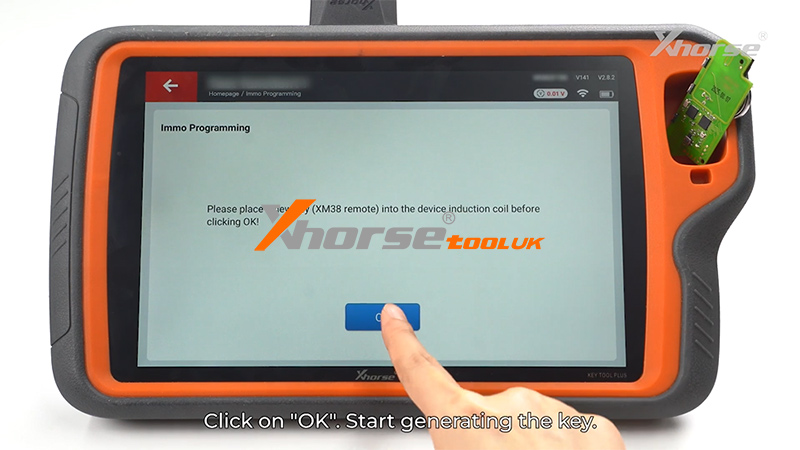
Place the VVDI BMW remote into the coil area
Click [OK] to start generating the key
Once completed, the cloning process is successful.
For a step-by-step visual demonstration, please watch the video below:
www.xhorsetool.co.uk