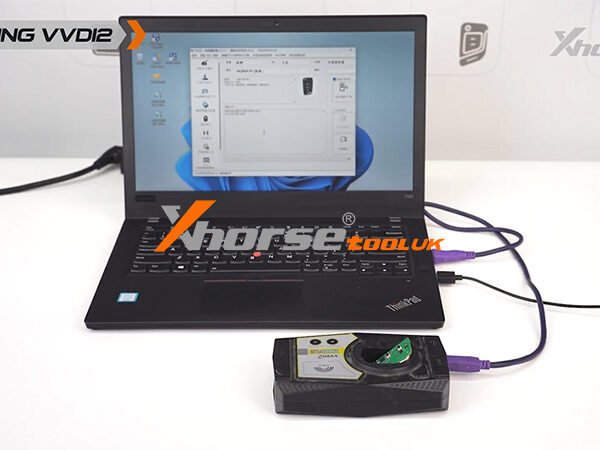
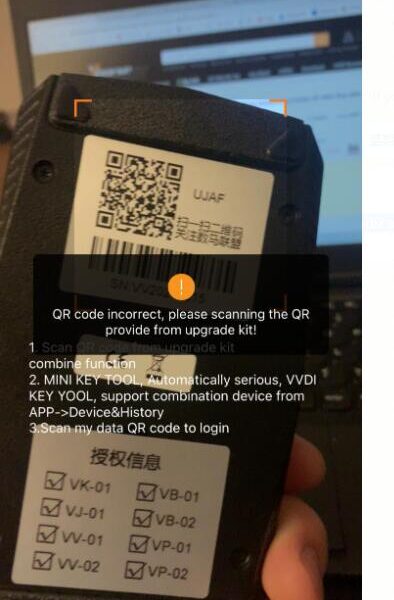
Error Message: “Error – Software doesn’t have this authorization. Please connect with your dealer for help!” This prompt typically appears when the Xhorse VVDI2 device cannot verify its software license or authorization status. Follow the steps below to resolve the issue quickly.

Step 1: Check Device Authorization Status
① First, read the device to confirm whether the authorization is active and recognized by the software.
② If the authorization appears abnormal or invalid, proceed to Step 2.
Step 2: Update Firmware via Online Upgrade
① Navigate to the Upgrade Kit section in your VVDI2 software interface.
② Select “Update Online” to check for and install the latest available firmware.
③ After the update is complete, restart both the device and software, then attempt to reconnect.
This process often refreshes the authorization handshake and resolves common software validation failures.

Still experiencing issues?
Ensure your VVDI2 hardware is purchased from an authorized dealer and that your software version is compatible with your vehicle brand (VW, Audi, BMW, Porsche, PSA).