
Issue & Fix Statement: The XHORSE Multi-Prog displays the error: “The device system version is outdated and requires a system upgrade first (4133AAAA).” This issue is caused by an outdated firmware state, and it can be resolved by entering forced firmware upgrade mode and performing a system update.
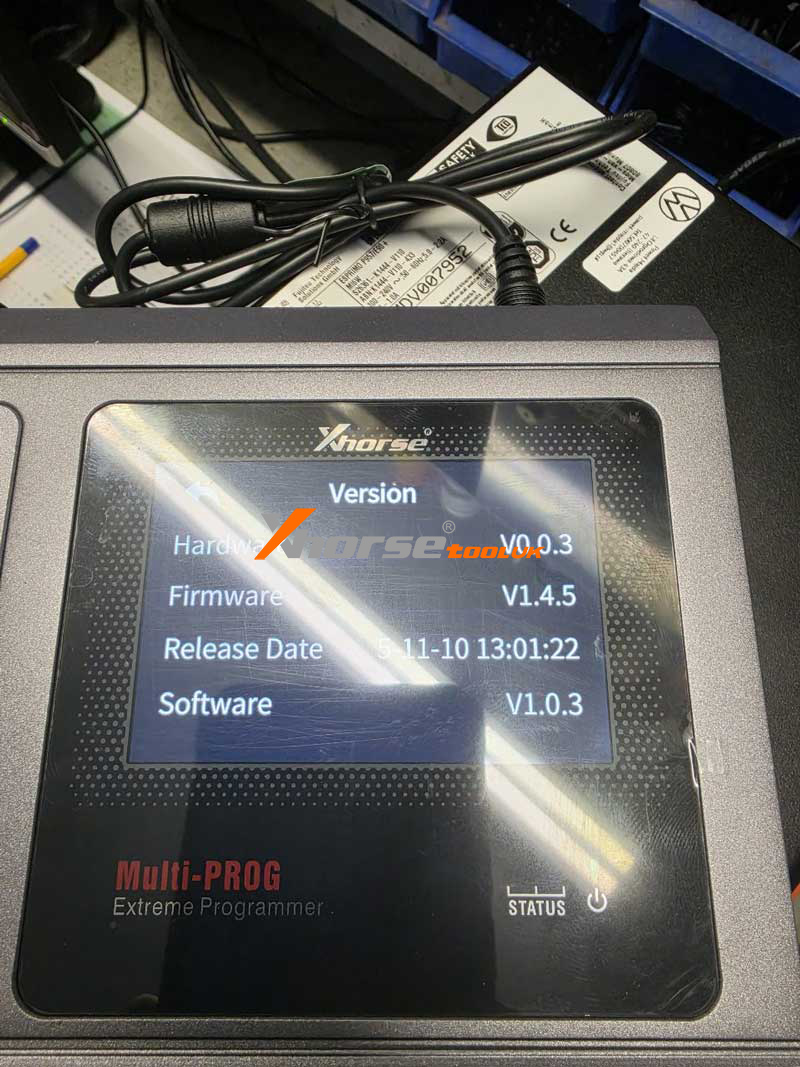
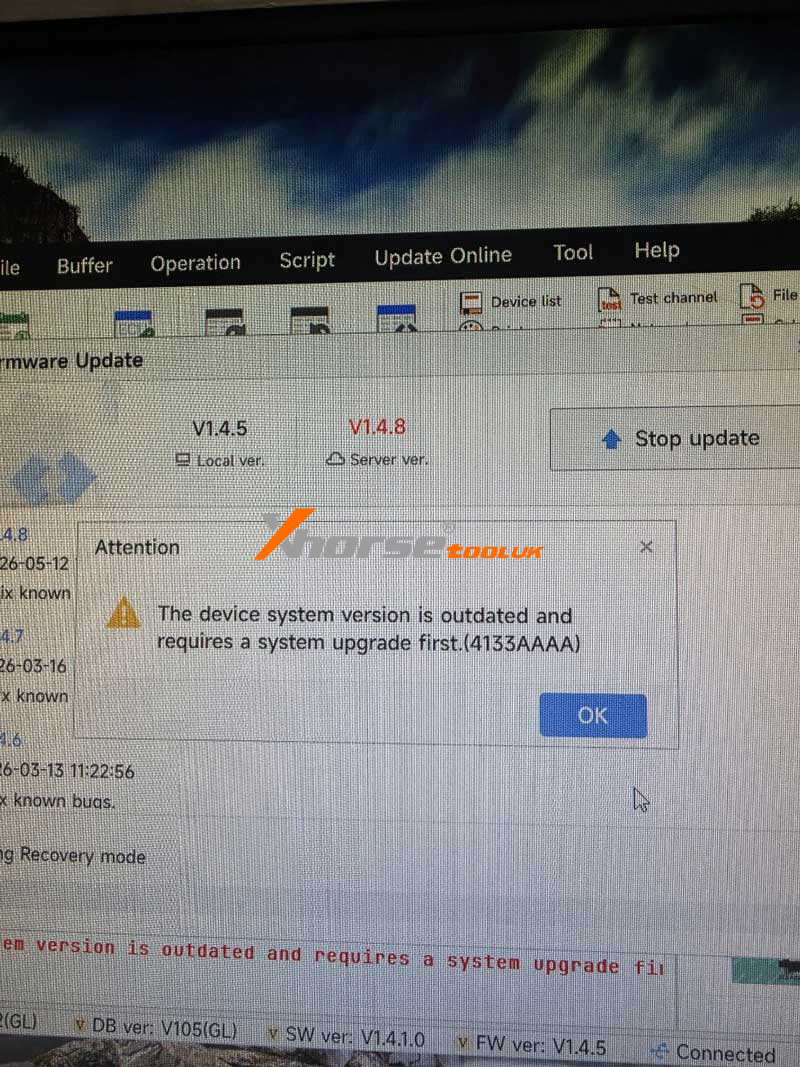
Technical Explanation
This error occurs when the MultiProg device firmware version does not meet the required system version check during startup, resulting in a version mismatch.
Diagnostic / Action Steps
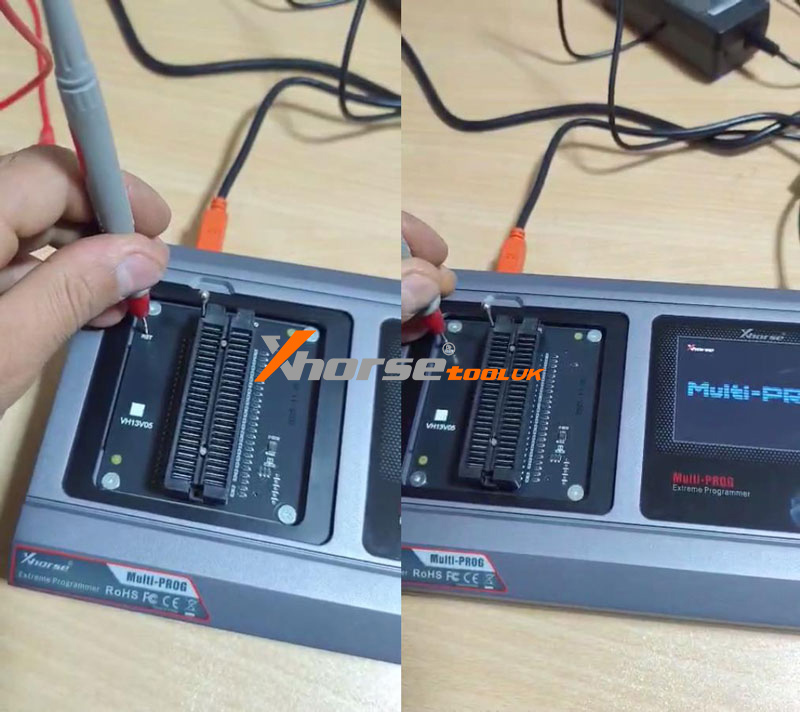
1. Press and hold the RST hole button.
2. While holding it, turn the power on the device.
3. Keep holding for about 5 seconds after powering on.
4. The device will enter forced firmware upgrade mode.
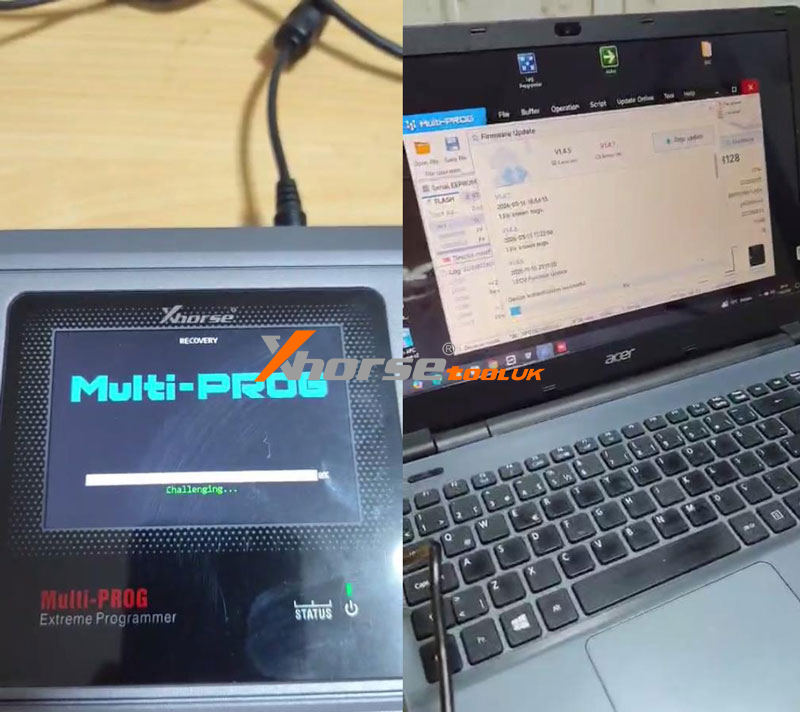
Final Result
After a successful firmware update, the 4133AAAA error will be cleared, and the device will return to normal operation.