Losing a full key code can be a locksmith’s biggest headache, especially when door or trunk locks are missing specific bitting information compared to the ignition. The Xhorse CONDOR XC-TWINS solves this problem instantly with its advanced Find Bitting function.
This professional Key Cutting Machine allows you to calculate missing cuts without disassembling every lock on the vehicle, saving you hours of labor.
Step-by-Step Operation
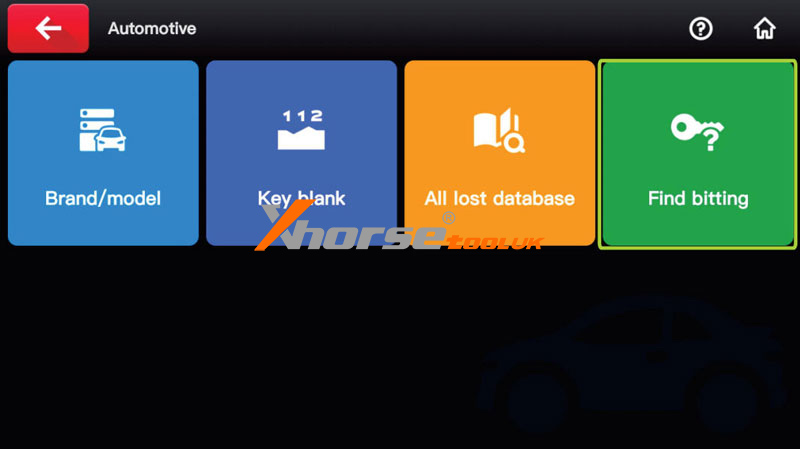
1. Enter Menu: Access the Automotive/Motorcycle interface on the main screen.
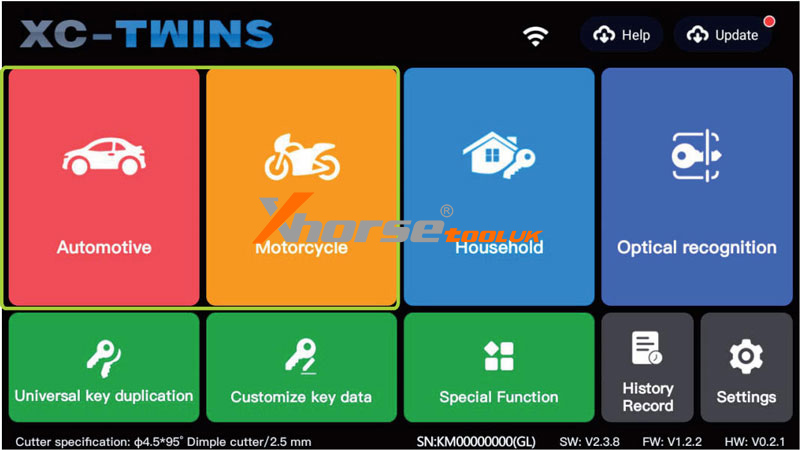
2. Select Function: Click on the Find Bitting option.
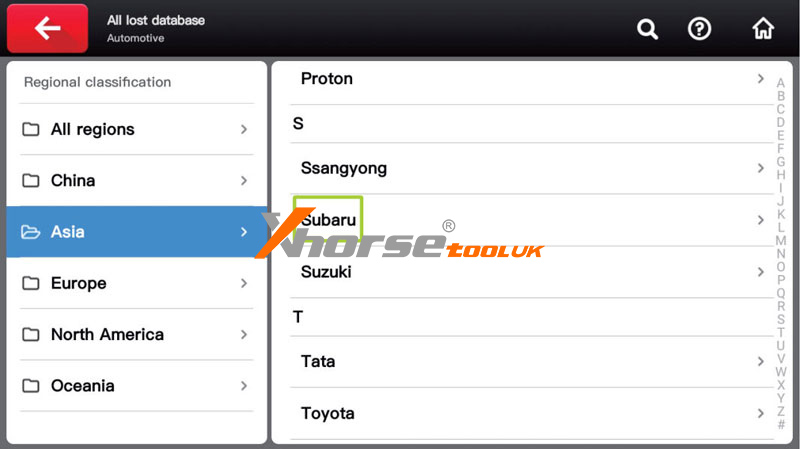
3. Identify Vehicle: Select the manufacturer or use the search button to enter the brand.
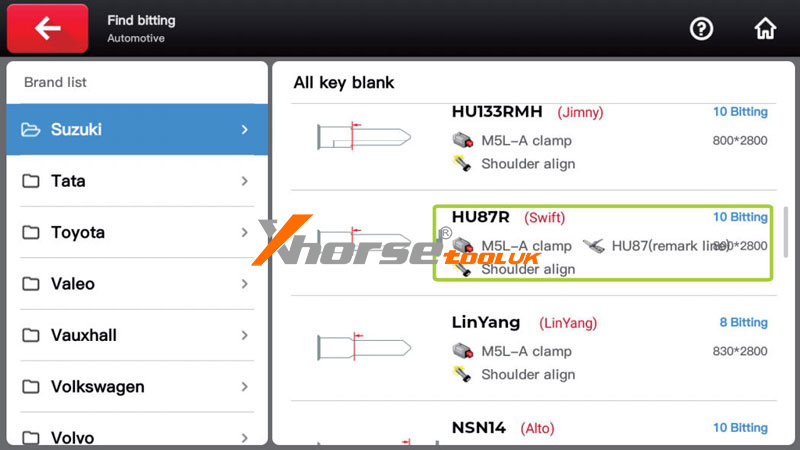
4. Choose Blank: Select the appropriate key blank for the vehicle.
5. Input Data: Enter the known key bitting. For any missing positions, leave them blank or enter a “?”, then click Find Bitting.
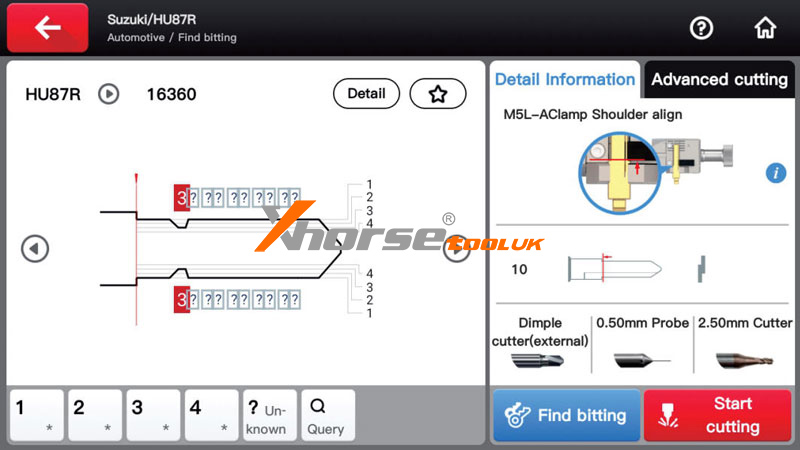
6. Results: The system will display all possible bitting results. After cutting and testing, you can determine the final key bitting.