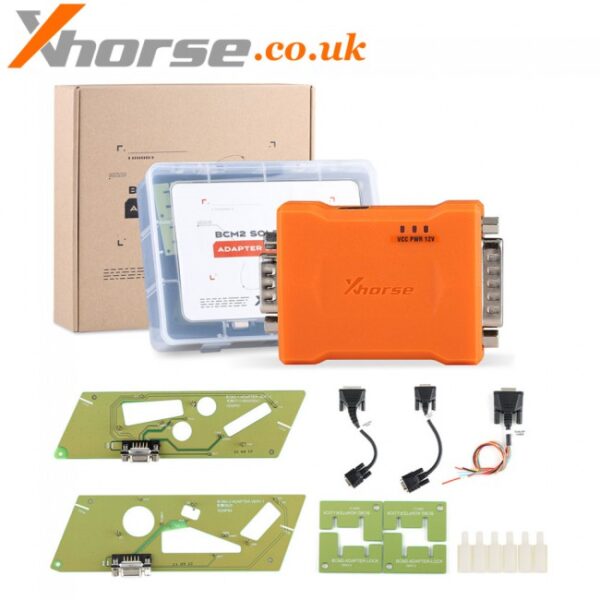
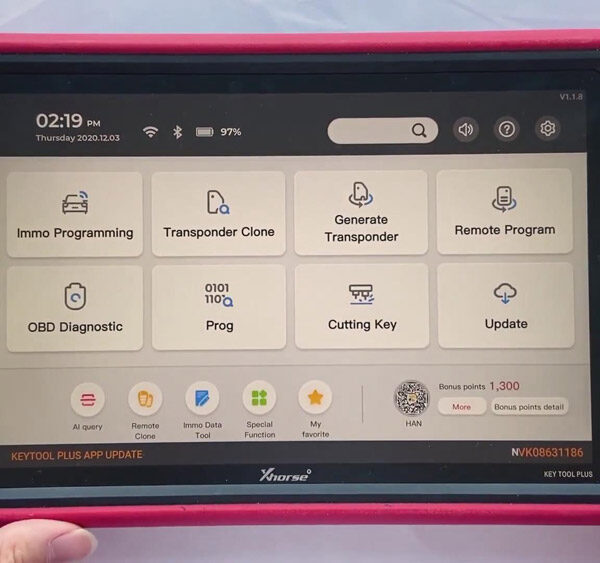
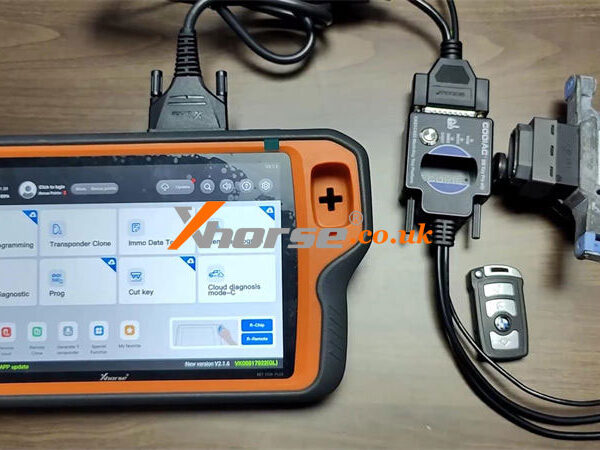
This guide explains how to read key data and generate dealer keys for Volkswagen & Audi 5C/5D with Xhorse Multi-Prog. We will cover two efficient programming methods: the traditional Soldering Connection and the faster Solder-free Adapter approach. By following these steps, you can successfully prepare original or VVDI keys for final vehicle learning.
Key Requirements
Programmer: Xhorse Multi-Prog with PC software.
Transponder: Original key or Xhorse VVDI Key.
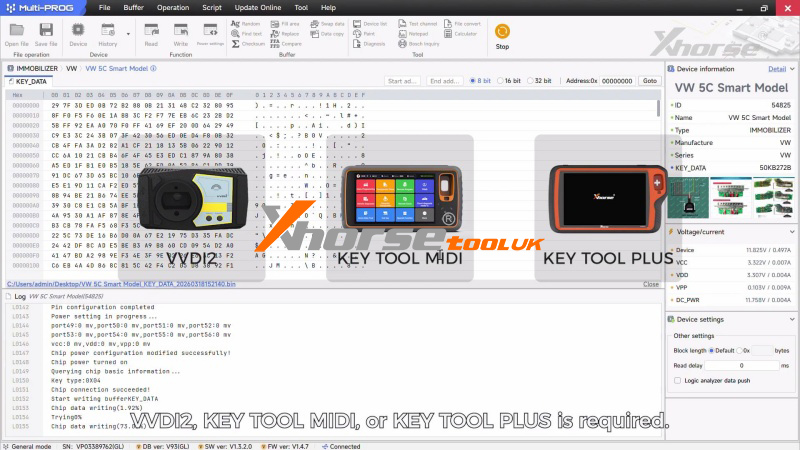
Key Learning Tools: VVDI2, Key Tool MIDI, or Key Tool Plus for the final on-vehicle programming.
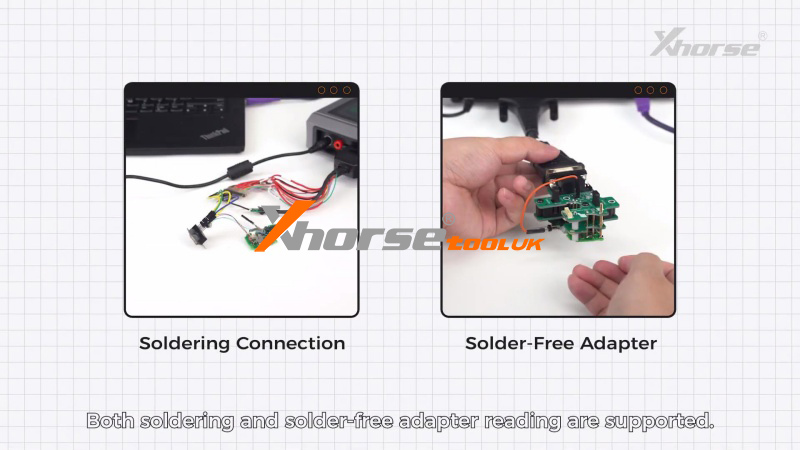
Method 1: Soldering Connection Workflow
This method is ideal for technicians who prefer a direct MCU connection for data stability.
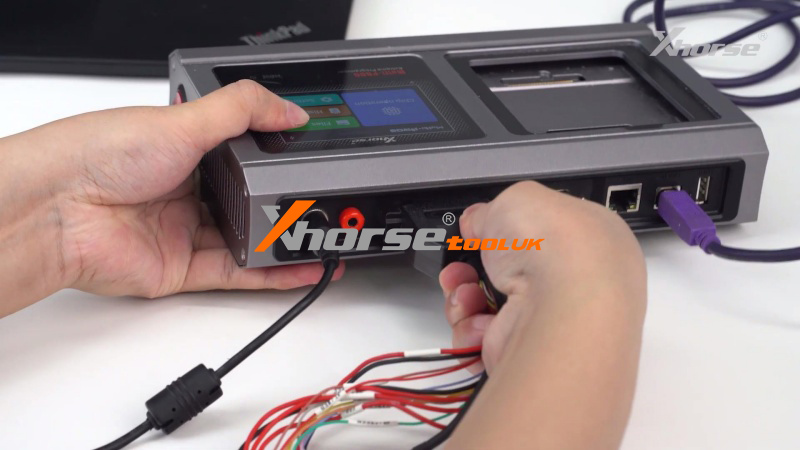
1. Setup: Connect Multi-Prog to your computer and open the software.
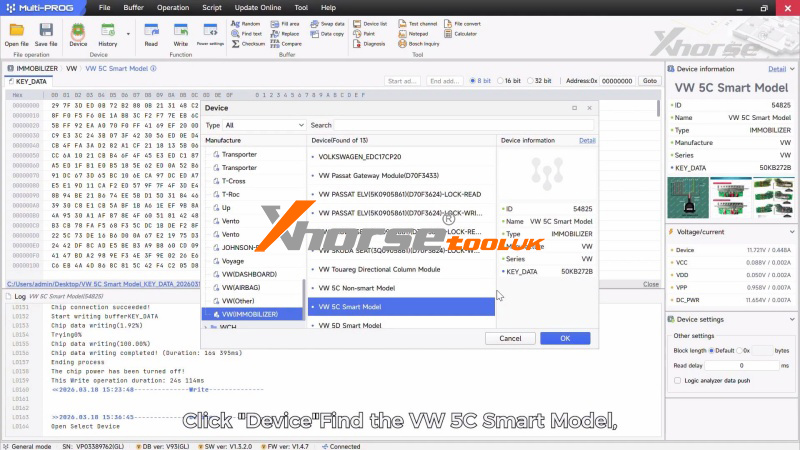
2. Identify Model: Select: Device >>VW 5C Smart model and open the built-in connection diagram.
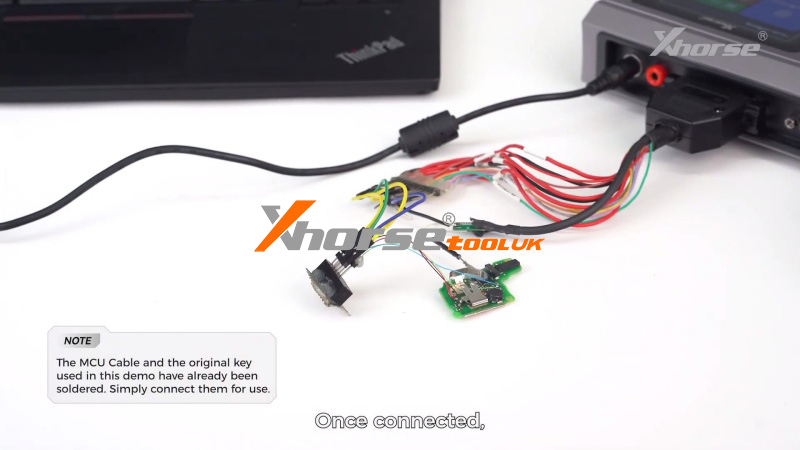
3. Hardware Prep: Solder the original key to the MCU cable according to the diagram.
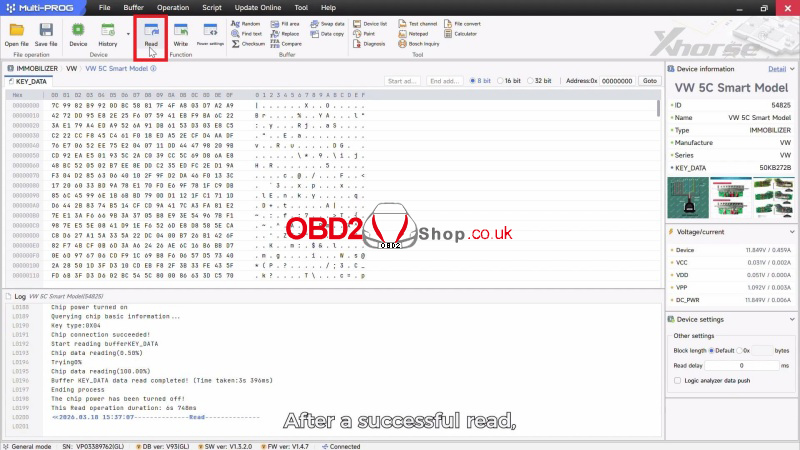
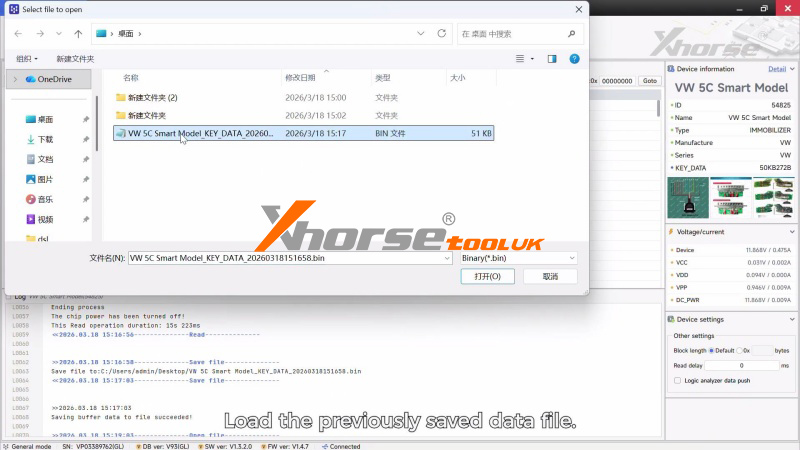
4. Data Extraction: Click Read to capture the original key data, then Save the file to your PC.
5. Generation: *Remove the first key and solder the new key to the harness.
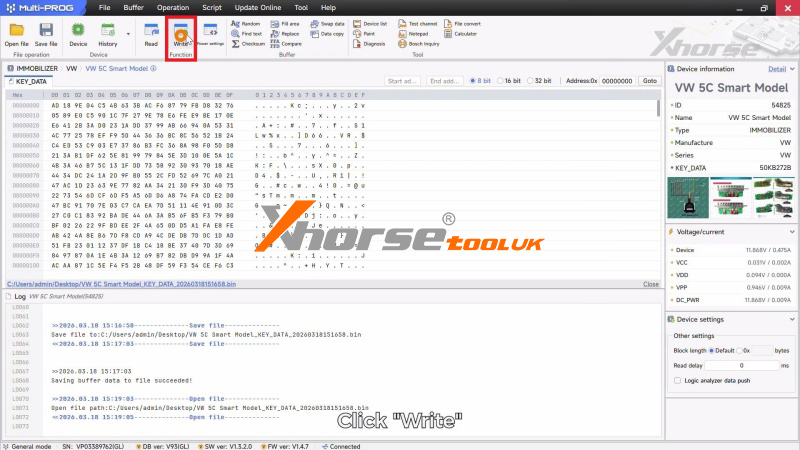
(1) Click Open File to load your saved data and click Write.
(2) Once the process finishes, the dealer key is successfully generated.
Method 2: Solder-Free Adapter Workflow (Fastest)
Use the Xhorse XDNPVDGL 5C/5D Adapter to save time and avoid manual soldering.
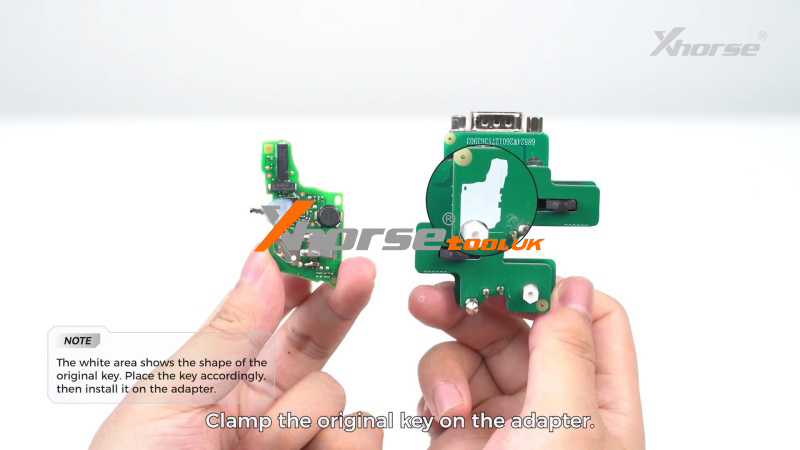
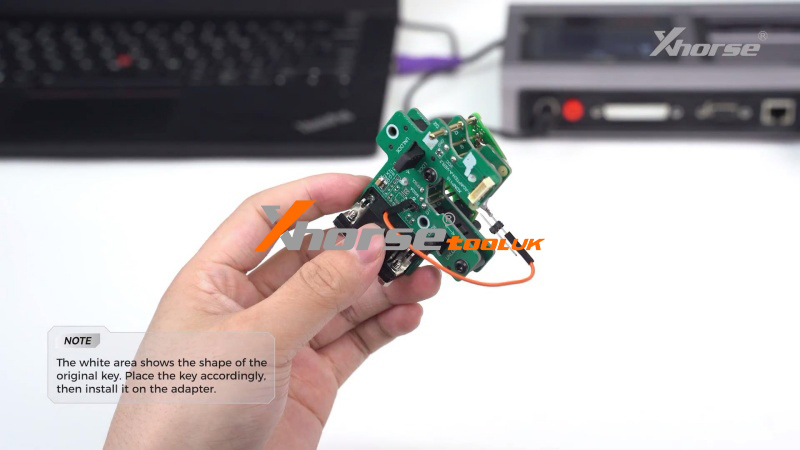
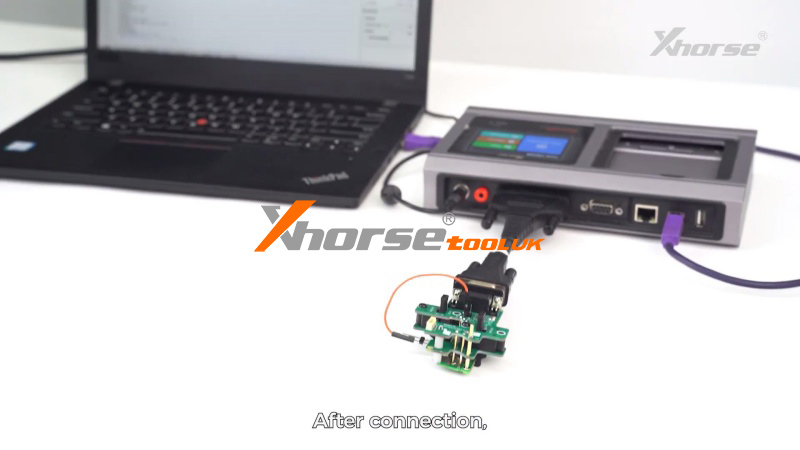
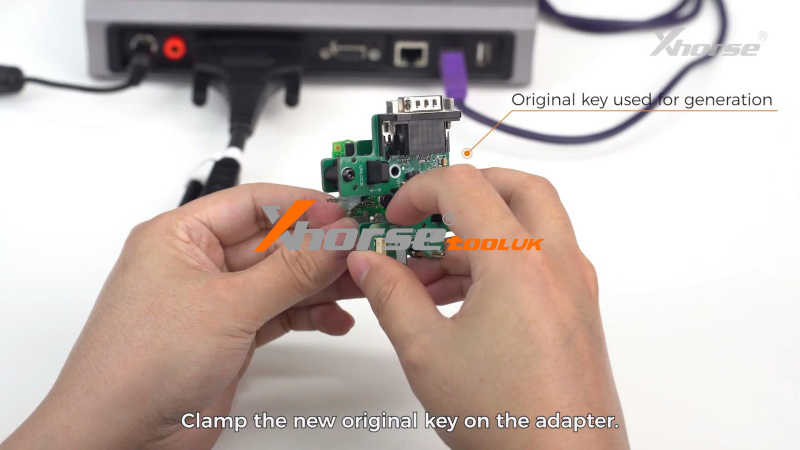
1. Connection: Clamp the original key into the solder-free adapter and connect the MCU cable to the Multi-Prog.
2. Read Data: Click Read in the software.
3. File Management: Once the read is successful, save the data file to your computer and remove the key from the adapter.
4. Write New Key:
(1) Clamp the new key into the adapter.
(2) Click Open File, select your saved data, and click Write.
(3) The software will confirm when the dealer key generation is complete.
Final Step: Vehicle Key Learning
After generating the dealer key with Multi-Prog, the process must be completed at the vehicle. Use a professional-grade tool like the Xhorse VVDI Key Tool Plus or VVDI2 to perform the final key learning and synchronization.
Why Professional Locksmiths Choose Xhorse:
The Xhorse ecosystem provides seamless integration between data reading (Multi-Prog) and vehicle programming (Key Tool series), ensuring high success rates for complex MQB and 5C/5D immobilizer systems.