Unlock the full potential of your workshop with the latest Xhorse VW 5D key adding function. This professional solution streamlines the programming process for MQB49 5D systems using the Xhorse VVDI Key Tool Plus and the VW 5D Adapter.
Essential Tools for the Job
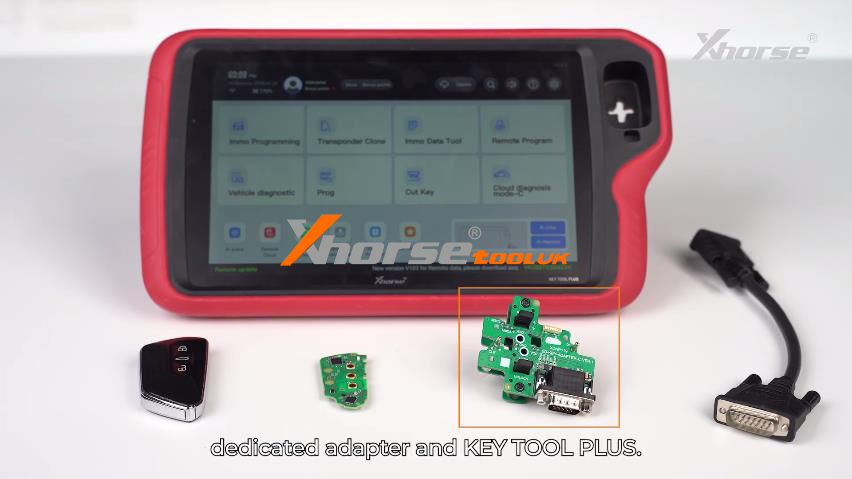
To perform this upgrade, you will need:
Xhorse Key Tool Plus
VW 5D XDNP119 Adapter
Original vehicle key & a new key
Watch Video Tutorial
Step-by-Step Programming Guide
1. Data Reading & Verification
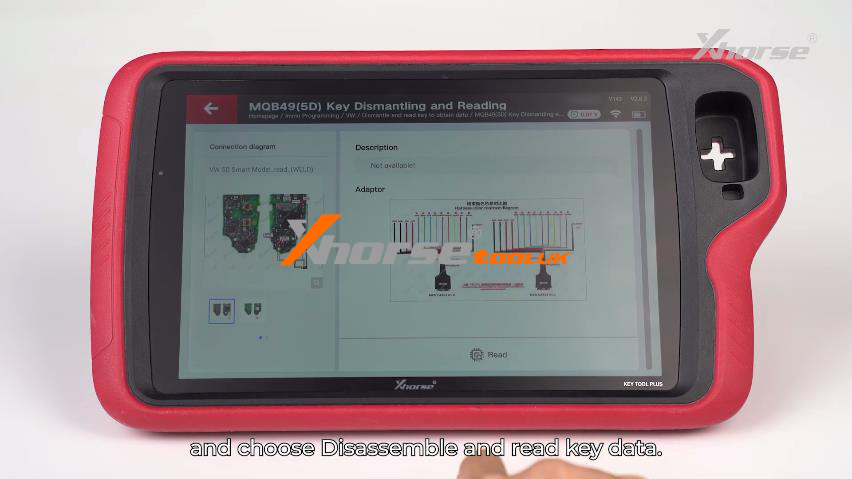
Start by entering the IMMO Programming >> VW >> Dismantle and read key to obtain data >> MQB49(5D) key dismantling and reading >> Start programming >> Disassemble and read key data
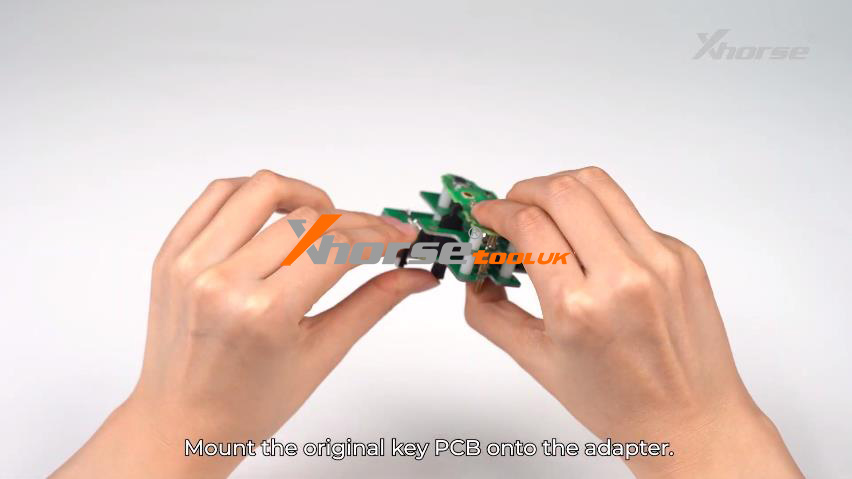
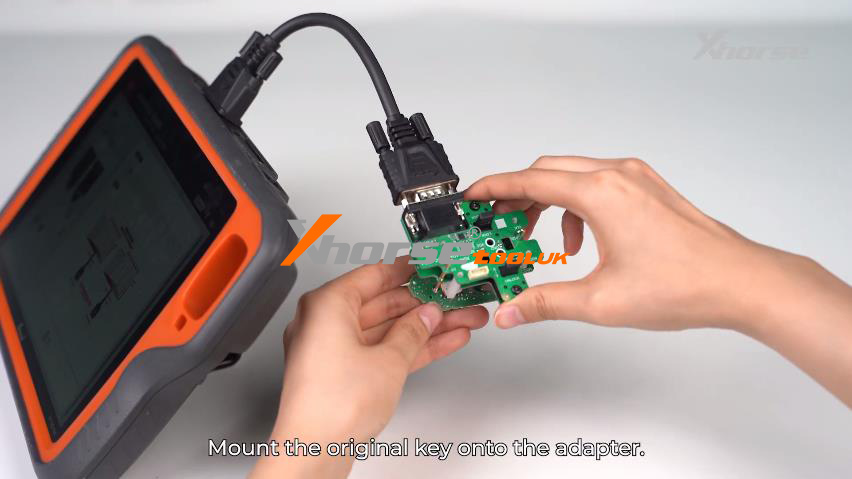
Disassemble the original key and mount the PCB onto the VW 5D adapter.
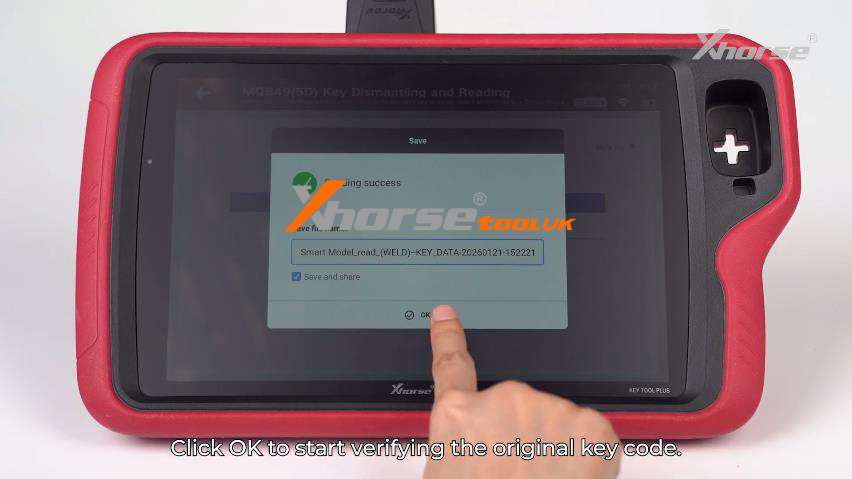
Connect the adapter to the Key Tool Plus and tap “Read”.
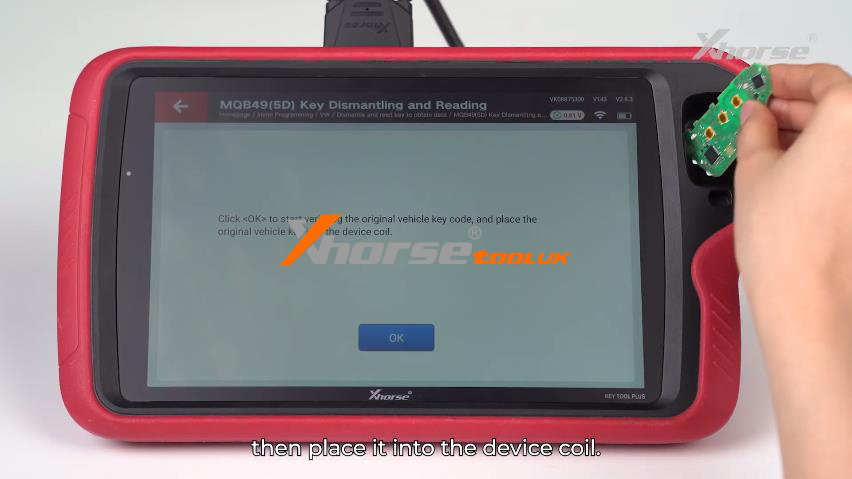
Verify the code by placing the original key into the device coil when prompted.
2. Generate Dealer Key
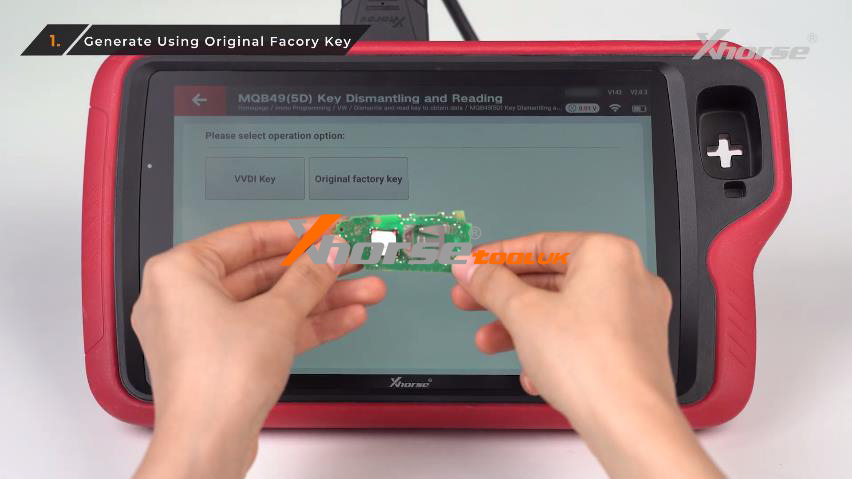
You have two flexible methods to generate a working dealer key: enter Generate dealer key – load key file:
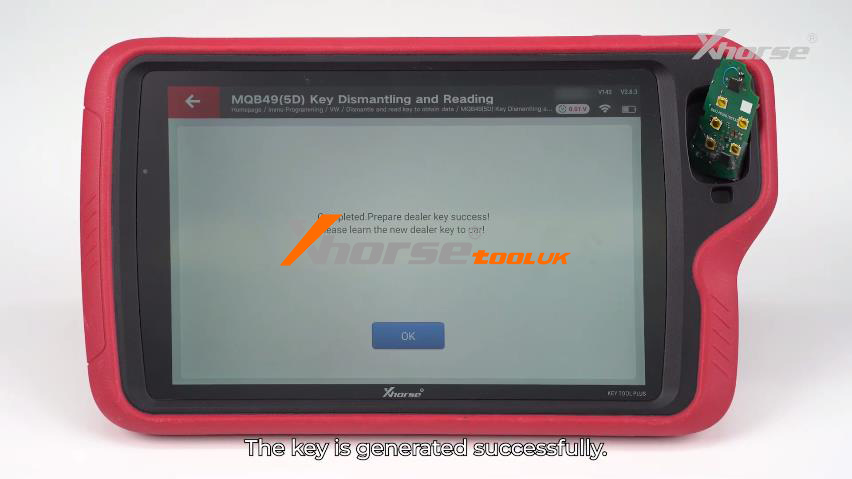
Method A (Original Factory Key): Reload the saved key file and write the data back to the original key mounted on the adapter.
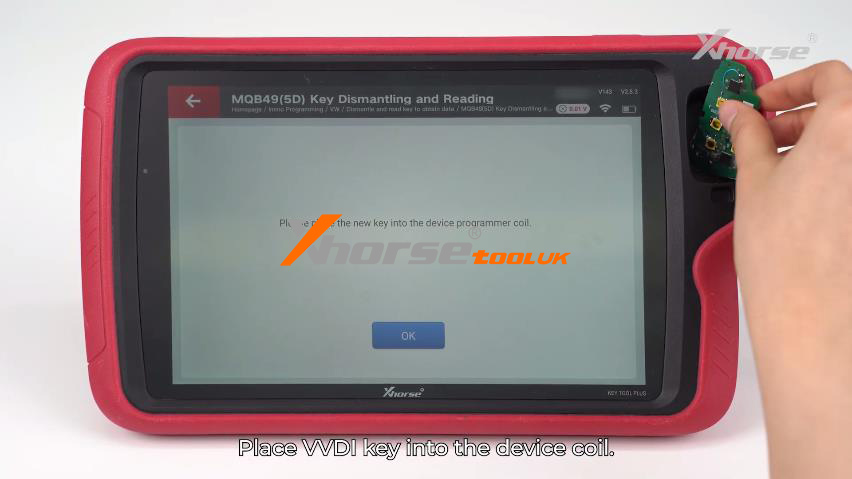
Method B (VVDI Key): Load the key file, then place a VVDI-dedicated key into the device coil for instant generation.
3. Key Learning & Testing
Finalize the process by syncing the keys to the vehicle:
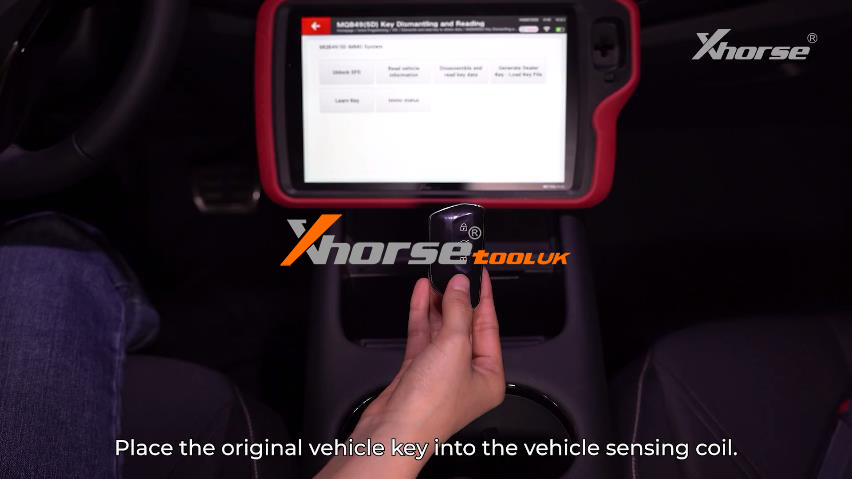
Place the original key in the vehicle’s sensing coil and select: Learn Key>> Load the read key file.
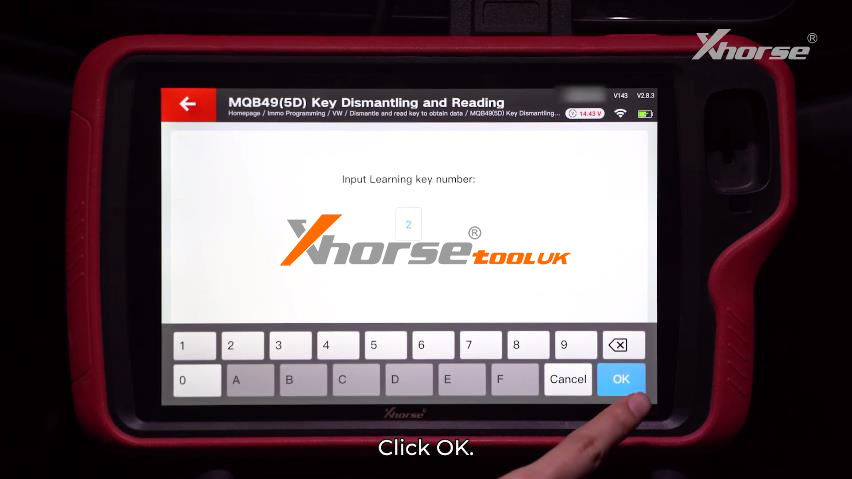
Input the number of keys to be learned and follow the on-screen prompts.
Crucial Note: Ensure all keys (Original or VVDI) have batteries installed before placing them in the sensing coil.
✅ Performance Check
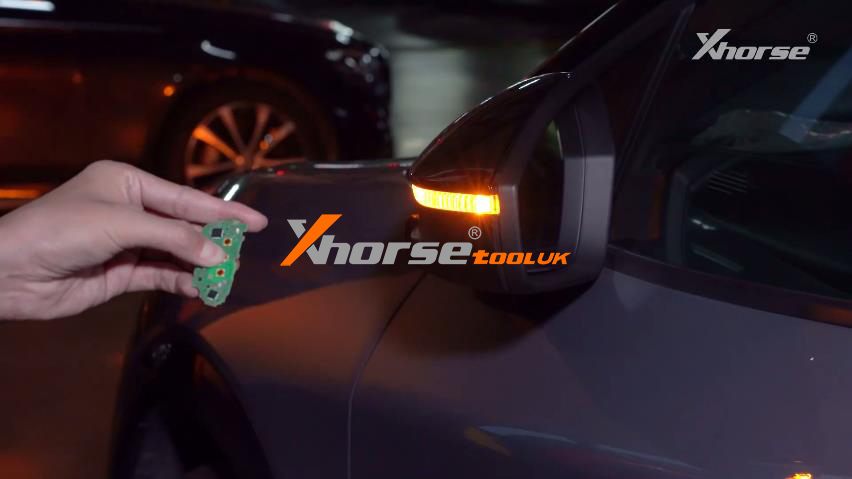
Once matching is complete, remove the Key Tool Plus and test your results. A successful sync ensures:
Push Button Start works perfectly.
Remote Functions are fully responsive.
Full Compatibility for both original and VVDI dedicated keys.
Boost your locksmith efficiency today with Xhorse! For more technical updates or support, stay tuned to our latest guides.