In this guide, we’ll walk you through generating a dealer key for VW/Audi 5C/5D using VVDI key with VVDI2 or Key Tool MIDI.
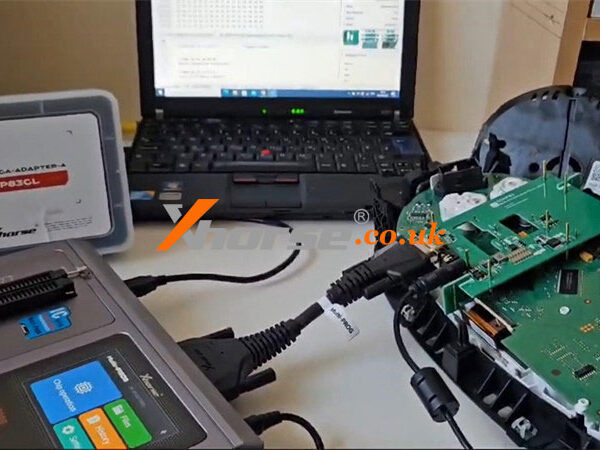
Before starting, make sure you have already read the original key (immo data). If you haven’t done this yet, please refer to the previous guide:
http://blog.xhorse.co.uk/how-to-generate-vw-audi-5c-5d-dealer-keys-with-xhorse-multi-prog/
Method 1: Using VVDI2
Step 1: Prepare the Remote Key
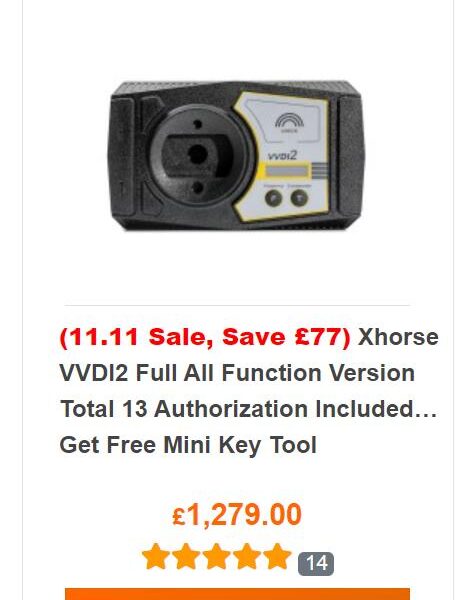
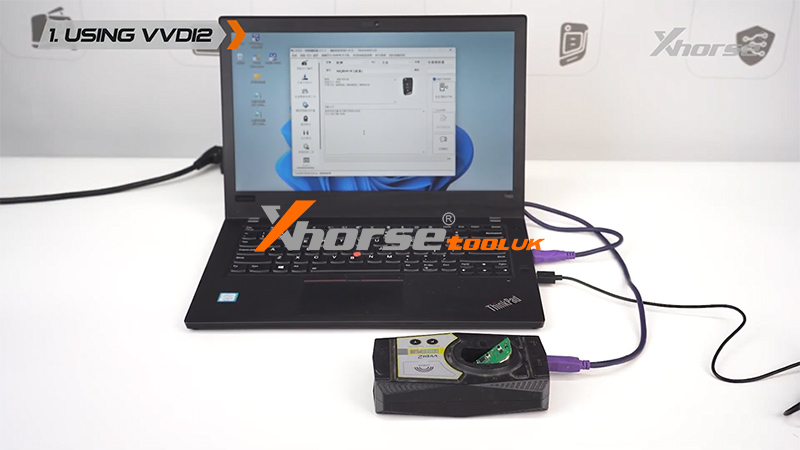
Connect VVDI2 to your computer.
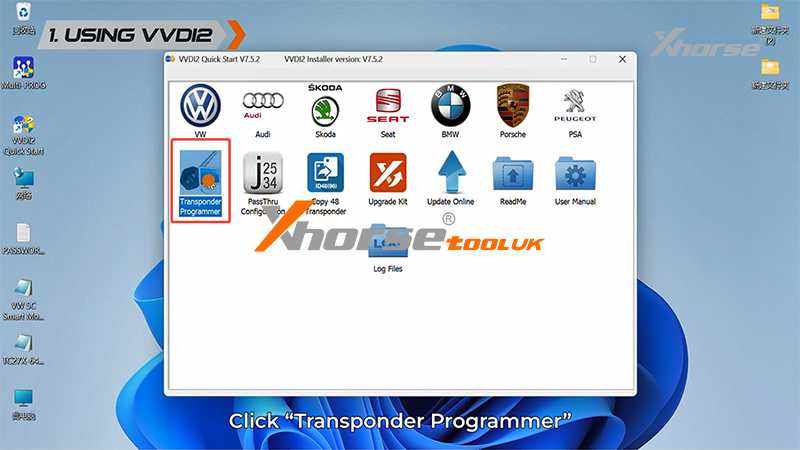
Open Transponder Programmer.
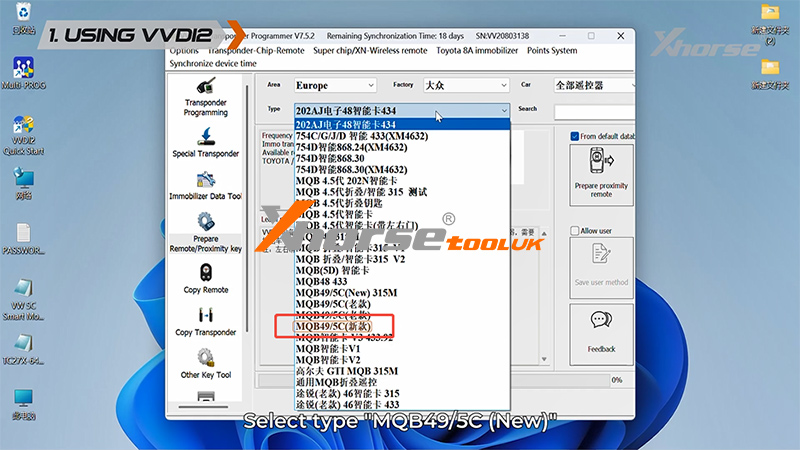
Click Prepare Remote/Proximity Key.
Select Prepare proximity remote.
Choose MQB49/5C (New).
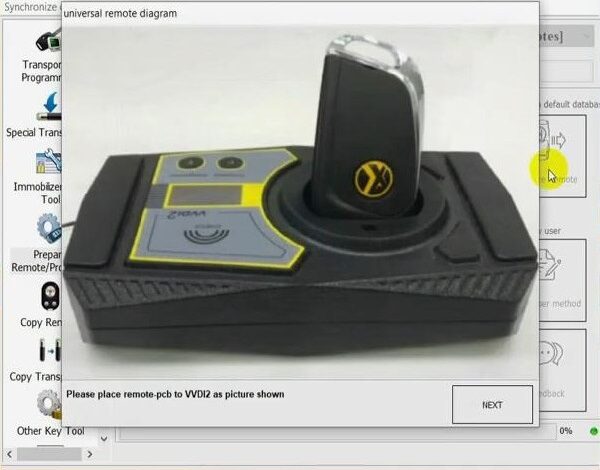
Place the VVDI key into the coil.
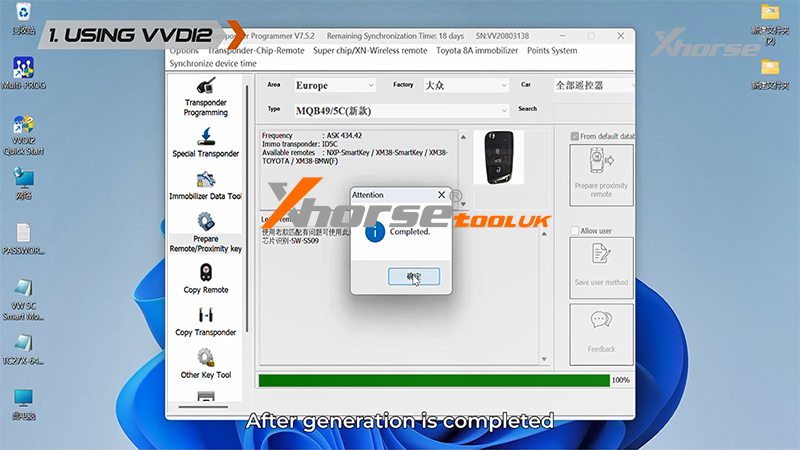
Click Generate Smart Key.
Wait until the process is complete, then return to the main menu.
Step 2: Generate Dealer Key
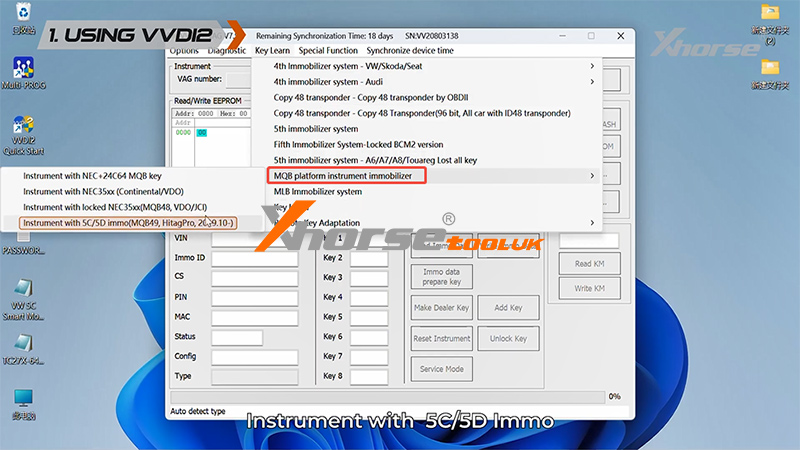
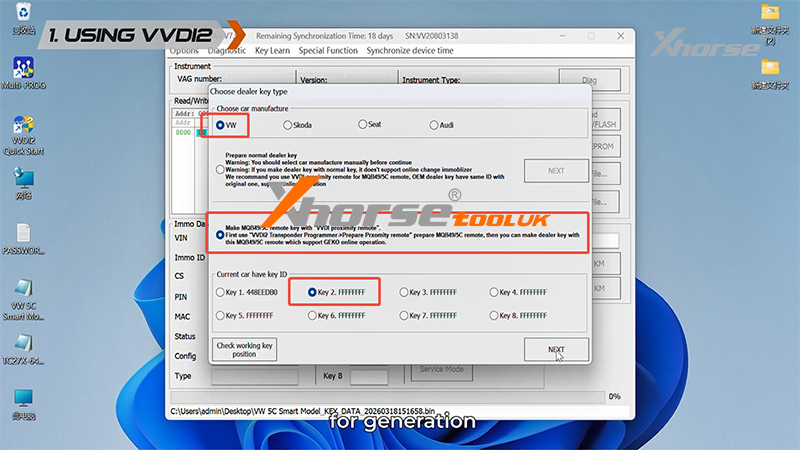
Click VW.
Select Key Learn.
Navigate to:
MQB Platform Instrument Immobilizer → Instrument with 5C/5D Immo
Click Make Dealer Key.
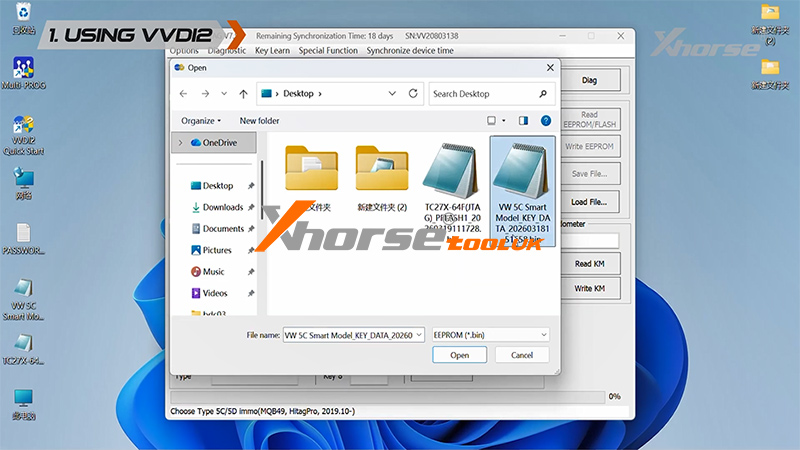
Click OK to load the previously saved immo data file.
Select VVDI Proximity Remote.
Click Next.
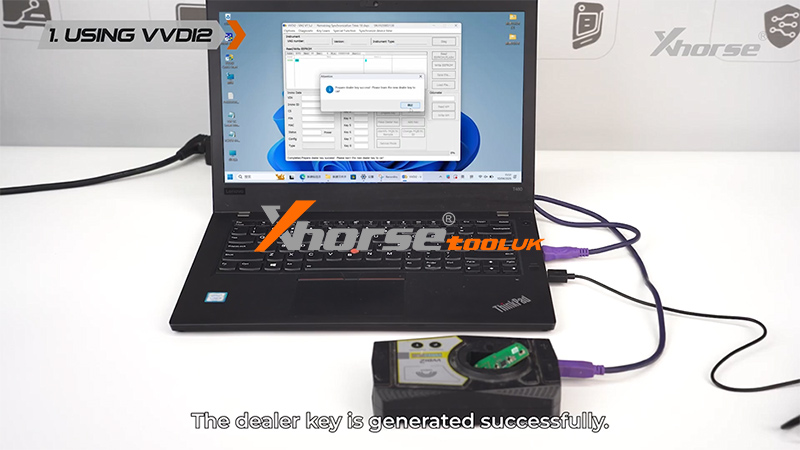
Place the key into the coil and click OK.
Dealer key generation is now complete.
Method 2: Using Key Tool MIDI
Step 1: Generate Remote
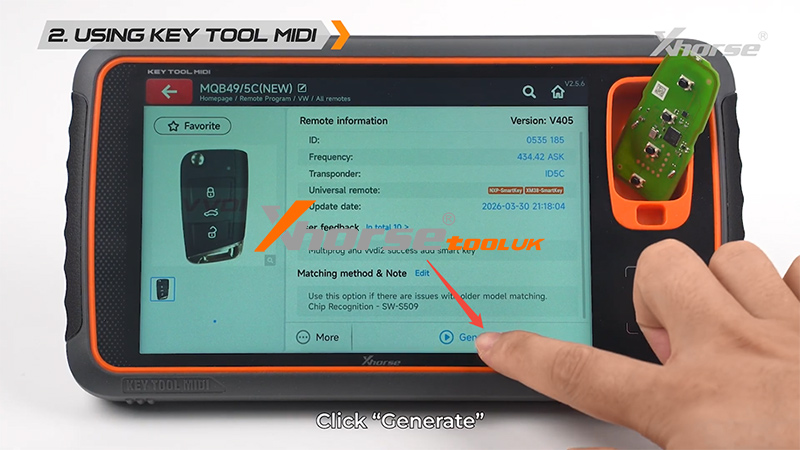
Go to Remote Program → VW → MQB49/5C (New).
Place the VVDI key into the coil.
Click Generate and wait for completion.
Step 2: Generate Dealer Key
Return to the main menu and enter Immo Programming.
Follow this path:
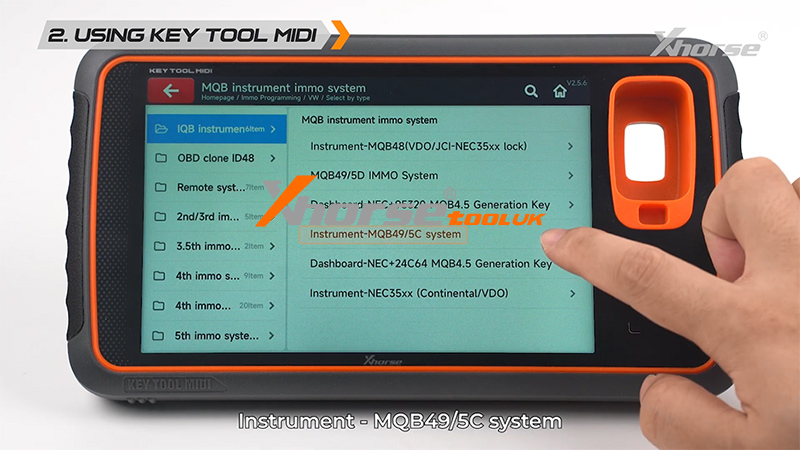
VW → Select by Type → MQB Instrument Immo System → Instrument-MQB49/5C System
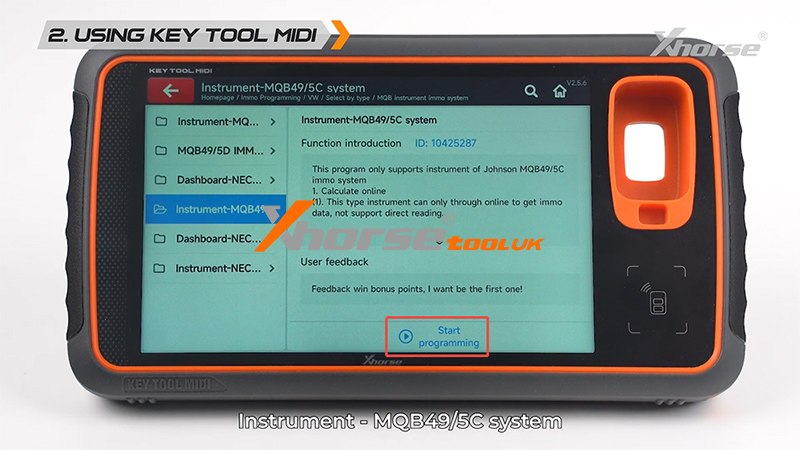
Click Start Programming.
Select:
Method 1 for Adding Keys
Keyless Go
Generate Dealer Key Load Key File
VVDI Key
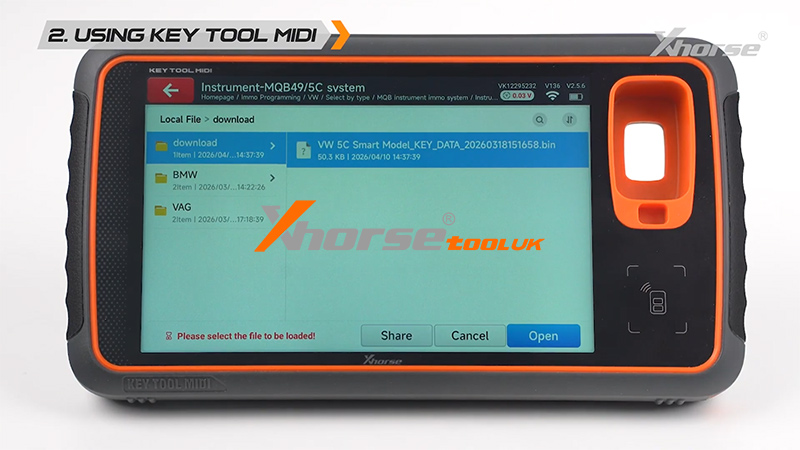
Click OK to load the saved key file.
Place the VVDI key into the coil.
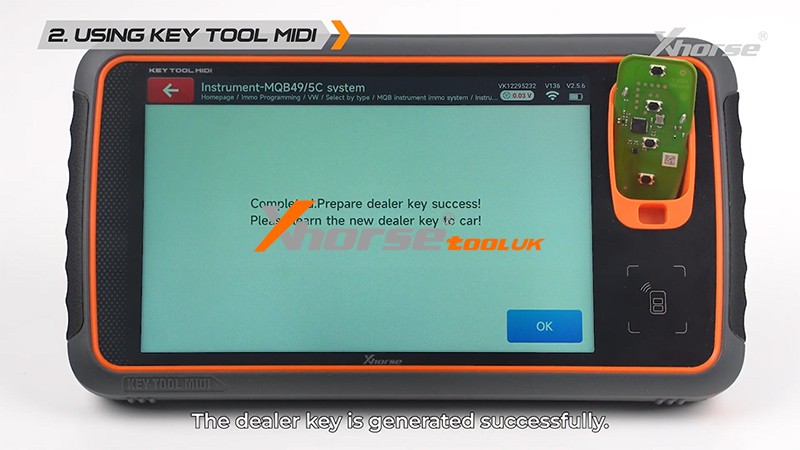
Click OK to start generation.
Dealer key generation is now successful.
Final Step: Key Learning
After generating the dealer key, proceed to the vehicle to perform key learning.
Required tools:
VVDI2
Key Tool MIDI
Key Tool Plus
Video Guide
For a visual walkthrough, watch this video:
Conclusion
With VVDI2 or Key Tool MIDI, generating VW/Audi 5C/5D dealer keys is a straightforward process once the original key data is obtained. By following the steps above carefully, you can efficiently prepare and program new keys for MQB vehicles.