This guide provides a step-by-step tutorial on cloning a BMW G/U Chassis BDC3 key using the Xhorse VVDI Key Tool Plus. The process is simple and applicable to Key Tool MIDI and VVDI2 as well.
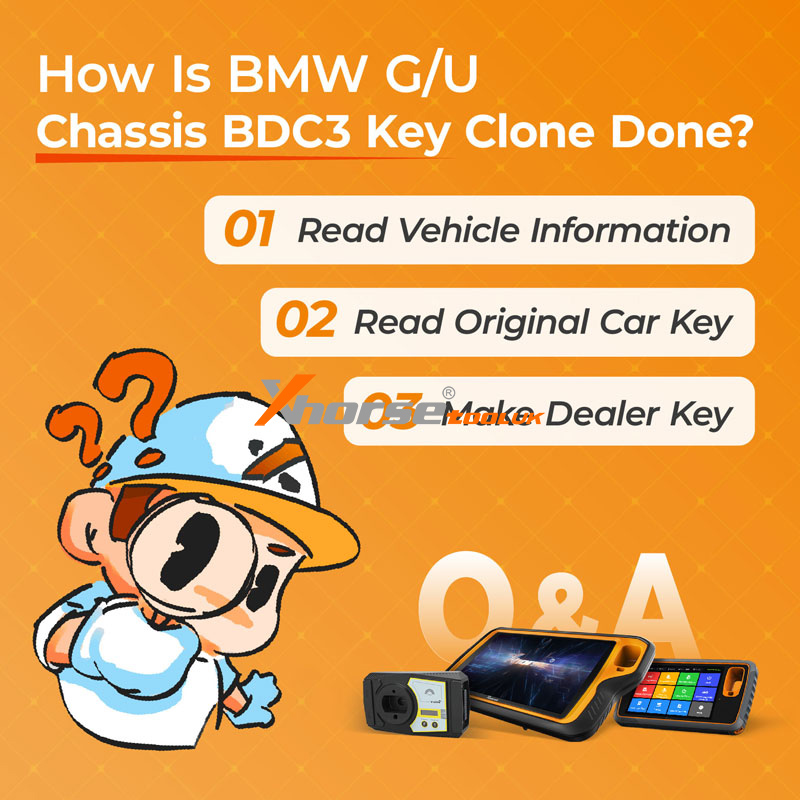
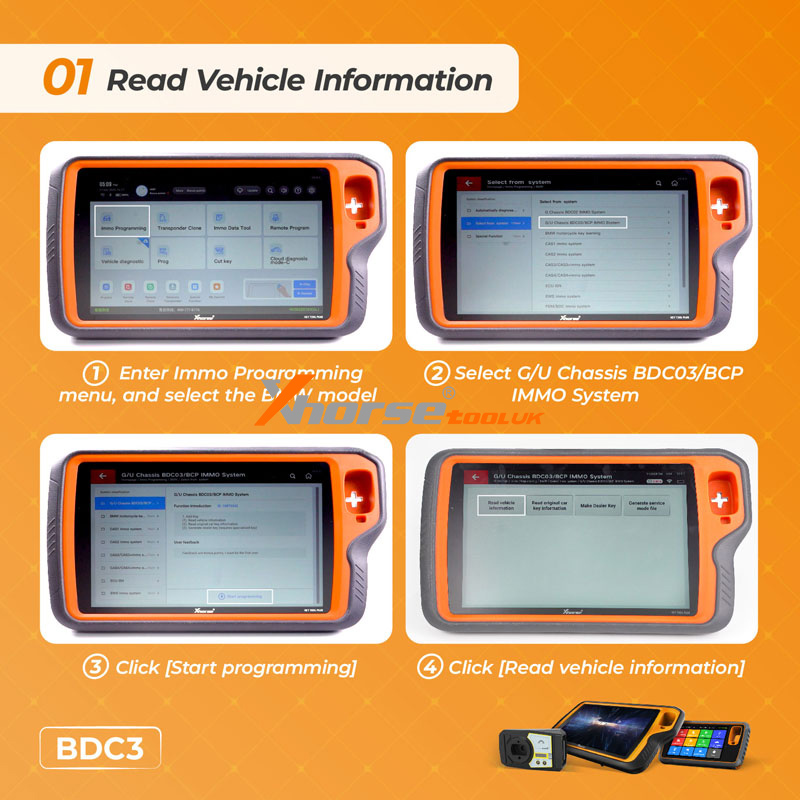
Step 1: Read Vehicle Information
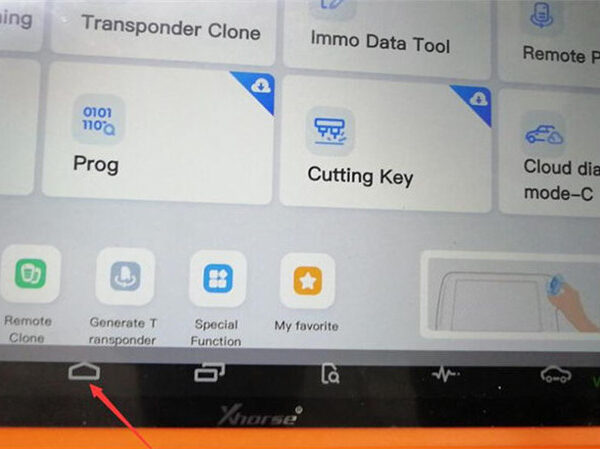
① Enter the Immo Programming menu and select the BMW model.
② Choose G/U Chassis BDC03/BCP IMMO System.
③ Click Start Programming.
④ Click Read Vehicle Information to retrieve BDC3 data.
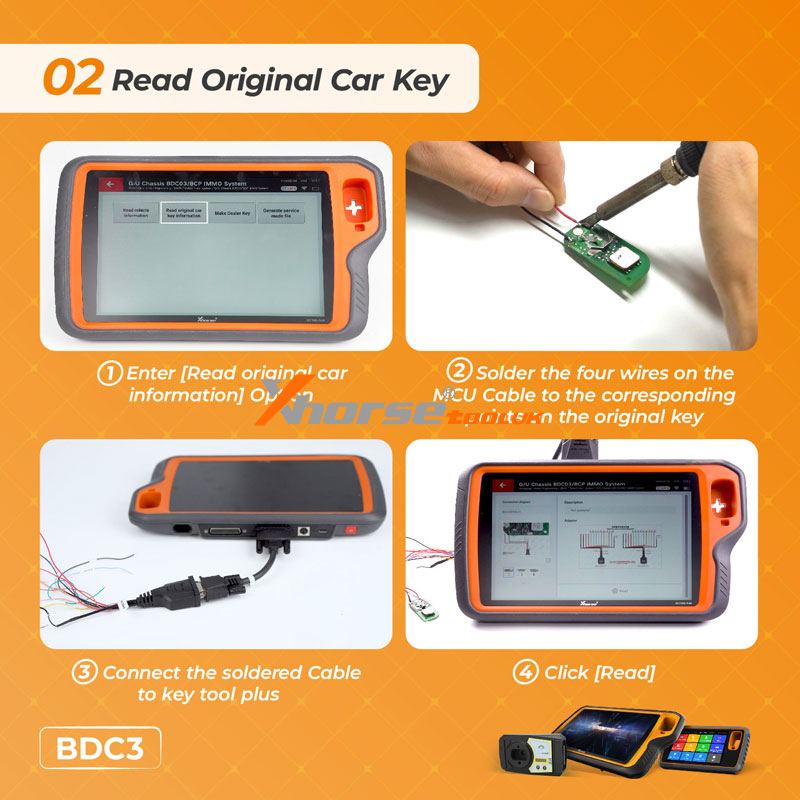
Step 2: Read Original Car Key
① Select Read Original Car Information.
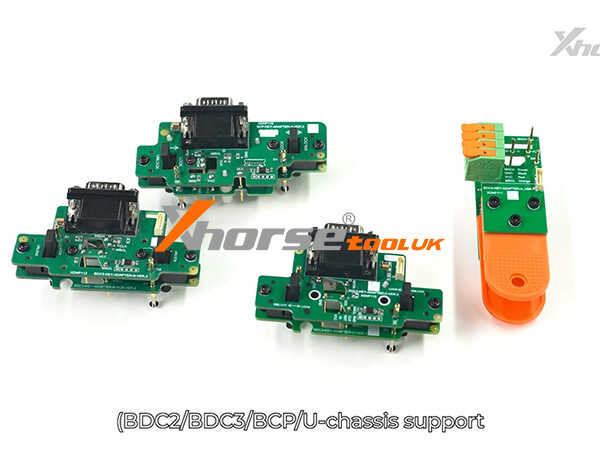
② Solder four wires from the MCU Cable to the original key’s contact points.
③ Connect the cable to the Key Tool Plus.
④ Click Read to extract the key data.
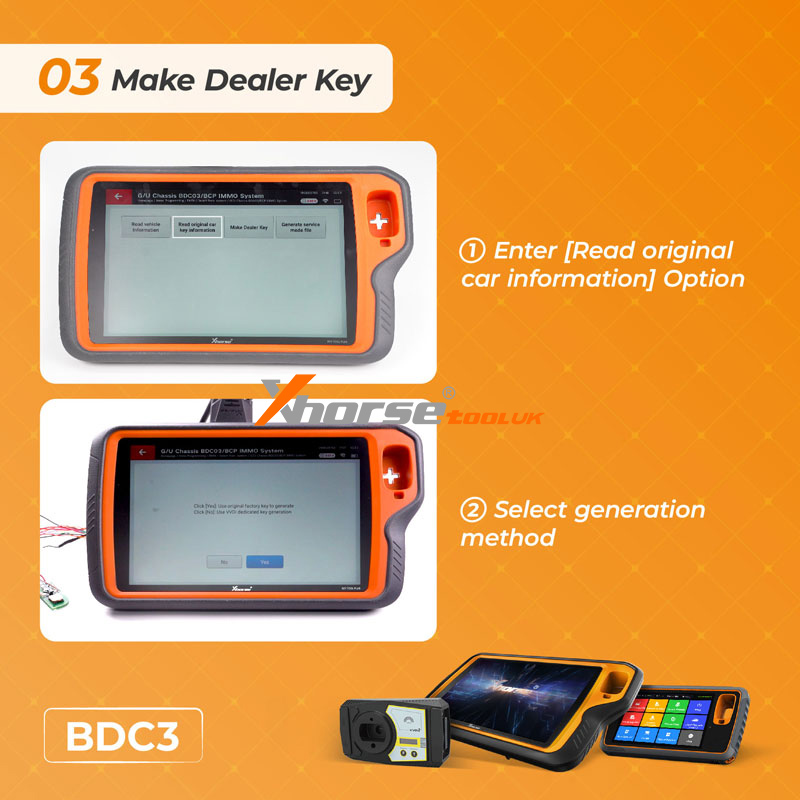
Step 3: Make Dealer Key
① Re-enter Read Original Car Information.
② Select your preferred generation method.
The Key Tool Plus will generate a cloned BDC3 key ready for use.