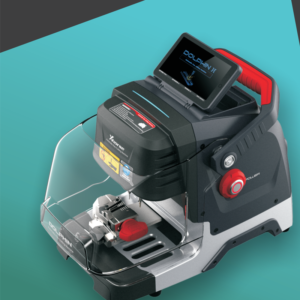
How To Use Your Smart Pphone APP To Connect Xhorse Dolphin XP005L Dolphin II?
1. Users can download Xhorse APP in the App Store to obtain it, or directly scan the QR code as shown below. 2. Power the machine and turn it on, open Xhorse APP, switch to the CNC machine interface, click on “Switch Device” and select Dlophin II. 3. Click on “Select” and turn on Bluetooth, click the SN of the device to connect to the machine (Users can set up the automatic connection function aRead More…