
vvdi-key-tool-max-unlocks-programs-toyota-smartkey-01

How to use VVDI Key Tool Max to Unlock & Program Toyota Smartkey

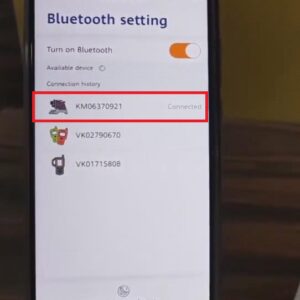
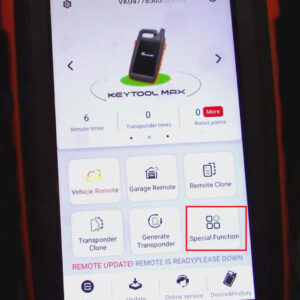
Some customers reported that they wanted a second key programmed but the key they bought was already programmed to a vehicle. So, in this article, I’ll show you all how to unlock & program the Toyota Smart key with VVDI Key Tool Max. Here are the steps: 1. Click “Special Function”>>“Unlock Toyota Smartkey”>>“Unlock”. 2. When unlocking is finished, clickRead More…

vvdi-mb-tool-calculates-password-for-benz-w203-w463-w63-01

VVDI MB Tool Calculates Password for Benz W203, W463 & W639

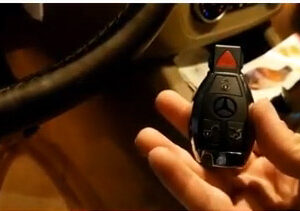
This post will help you quickly master how to calculate passwords for Mercedes W203, W463 & W639 with VVDI MB Tool and EIS ESL Testing Cable. Procedure: 1. Connect VVDI MB Tool with EIS ESL Testing Cable. 2. Click the “VVDI MB Tool button”>>“W203,463,639(K)”>>“Read EIS data and password”. 3. When the screen shows “Do you want to read PASSWORD via IR?”, clickRead More…

vvdi-mini-key-tool-clones-fiat-500-key-chip-01

VVDI MINI Key Tool Clones Fiat 500 Key Chip

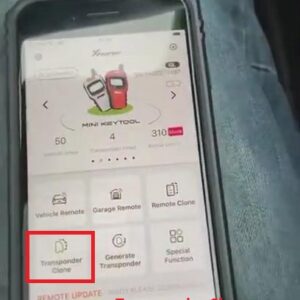
This article shows a guide on how to clone a Fiat 500 key chip with VVDI Mini Key Tool. Here are the steps: 1. Turn on Xhorse app and connect it to VVDI MINI Key Tool. 2. Click “Transponder clone”>> “Read Transponder”>>“Clone”>>“Start clone”>>“46 Transponder clone”. 3. Put the original key in the detection coil of the VVDI Mini Key ToRead More…

xhorse-dolphin-xp-005-ford-tibbe-key-cutting-guide-01

Xhorse Dolphin XP-005 Ford Tibbe Key Cutting Guide

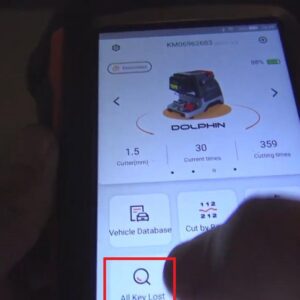
This post will show you how to use Xhorse Dolphin XP-005 to cut the Ford Tibbe key. Steps: 1. Turn on Xhorse app, choose the “Select” button, then connect Dolphin XP-005 via Bluetooth. 2. Click “All key lost”>>“Ford”>>enter the code and click “QUERY”. 3. Fix the key according to the picture and click “OK”. 4. Press “Cutting key” anRead More…

vvdi-key-tool-max-obd-programs-2019-land-cruiser-prado-h-chip-01

VVDI Key Tool Max + OBD Mini Program 2019 Land Cruiser Prado H Chip

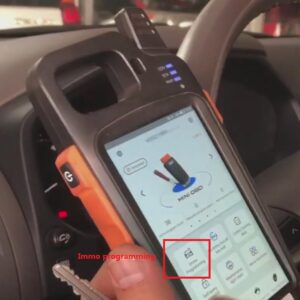
This post comes with how-to’s of adding the new key for the 2019 Land Cruiser Prado H Chip using VVDI Key Tool Max and VVDI Mini OBD Tool. Here is the step-by-step guide: 1. Plug VVDI MINI OBD Tool into 2019 Land Cruiser Prado car. 2. Click “Immo programming”>> “Toyota”>> “Select by type”>> “Immo system”. 3. Choose “Type 4(“8A/8E” “H”)&gtRead More…

xhorse-dolphin-xp005-key-tool-max-cut-volvo-hu56rp-key-02

Xhorse Dolphin XP005 & Key Tool Max Cut Volvo HU56RP Key

We’ve got a Volvo door lock from a 2000 Volvo S40 and we’re going to cut the Volvo HU56RP key with Xhorse Dolphin XP005 and VVDI Key Tool Max. Now, please follow the steps below: 1. Do the decoding and get the bidding and run it through lock code, then we can get the keycode “DH0800”. 2. Switch to DOLPHIN main page, click “All key lost”>>“Volvo”. 3. Enter the keRead More…

vvdi-key-tool-max-obd-tool-program-toyota-vios-all-key-lost-01

VVDI Key Tool Max & OBD Tool Program Toyota VIOS All Keys Lost

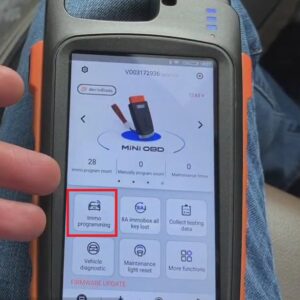
This article will share how to program Toyota VIOS all keys lost with VVDI Key Tool Max & OBD Tool. Procedure: 1. Connect Mini OBD Tool with the car. 2. Turn on Xhorse app on VVDI Key Tool Max and switch to Mini OBD main page>>“Immo programming” >>“Toyota”>>“Select by type”>>“Immo system” 3. Click on “Type 3(“4D” “72 G”)”>&Read More…

vvdi-mb-bga-tool-programs-benz-2013-gl450-keylessgo-key-01

VVDI MB BGA Tool Programs Benz 2013 GL450 KeylessGo Key

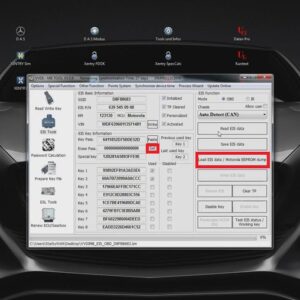
Today, I’ll show you how to program Benz 2013 GL450 KeylessGo key with VVDI MB BGA Tool. Here is the procedure: 1. Read IES data and paste the key password to the corresponding area. 2. Save IES data. 3. Press “OK” to save the HC05 format file. 4. Choose “Prepare Key File”>>“Load EIS File”. 5. Select key position, say “key 5” and “key 7Read More…

use-xhorse-vvdi2-vag-to-program-vw-golf-4-key-super-chip-01

Use Xhorse VVDI2 VAG to Program VW Golf 4 Key (Super Chip)

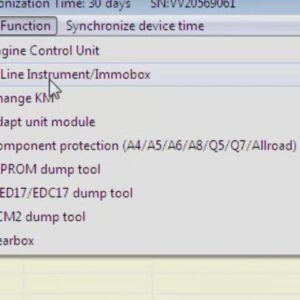
This post will help you quickly master how to use Xhorse VVDI2 VAG to program VW Golf 4 Key (super chip). Now, let’s read it together. 1. Click the “VW” button>>“Special Function”>>“K-Line Instrument/Immobox”>>“Read EEPROM”. 2. Copy Pin code. 3. Click “Autodetect Transponder” to detect the transponder type. Now, we can see that the transponderRead More…

fixed-vvdi-mb-bga-tool-can-not-find-erase-password-error-01

Fixed! VVDI MB BGA Tool “Can Not Find Erase Password” Error

Customer problem: I started VVDI MB BGA Tool and loaded EZS File, but when I tried to get erase password, I encountered the following problem: “Can not find erase password” How to solve this problem? Xhorse.co.uk engineer replied: For your problem, it’s highly suggested that you follow the steps below: 1. Open Extreme MB Tool. 2. Press the “Sonder Hash Calculator” button. 3.Read More…