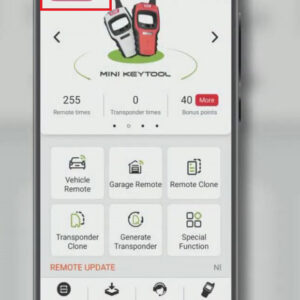
unlock-renault-clio-proximity-remote-via-vvdi-mini-key-tool-01

VVDI Mini Key Tool Renault Clio Proximity Remote Renew Guide

As we know, VVDI MINI Key Tool can edit and clone the transponder, generate the transponder, clone remotes, generate garage remotes, test frequency and so on. Here mainly share the guide to unlock Renault Clio Proximity Remote via VVDI MINI Key Tool. Here are the steps: 1. Turn on Xhorse VVDI MINI Key Tool. 2. Open Xhorse app and choose “Select” button, then connect VVDI MINI Key Tool tRead More…
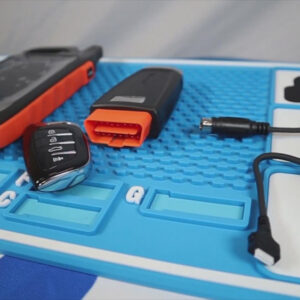
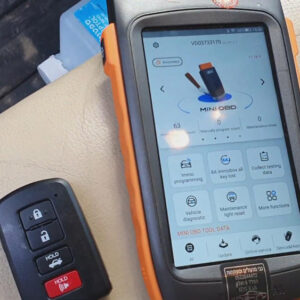
vvdi-key-tool-max-mini-obd-program-grand-cherokee-universal-key-01

VVDI Key Tool Max + OBD Mini Program Grand Cherokee Universal Key

As a standalone key programmer, VVDI Key Tool Max is very versatile and simple to use. It can read and clone transponder chips, generate universal remotes, identify frequencies, unlock OEM keys, and so on. Today, I’ll show you how to program a Grand Cherokee universal key with VVDI Key Tool Max + OBD Mini. Preparation: Xhorse VVDI Key Tool Max VVDI Mini OBD Tool Xhorse four-button universaRead More…

xhorse-mini-prog-configuration-overview-01

Xhorse MINI Prog Configuration Overview

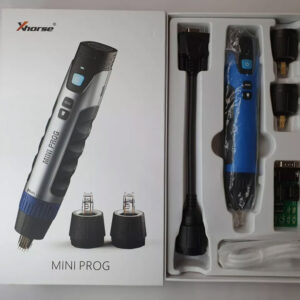
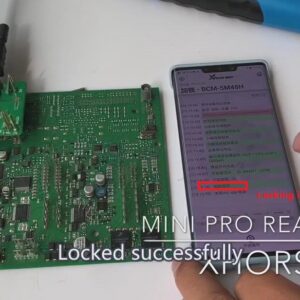
In this post, I’ll show you Xhorse MINI Prog configuration. As we can see, the Xhorse MINI Prog configuration contains an Xhorse MINI Prog, 3 Pin headers, an EEPROM adapter, a DB15 cable, and a USB cable. Now, I’ll introduce them one by one. 1. Xhorse MINI Prog This is Xhorse MINI Prog. There are 3 buttons on the front side of Xhorse MINI Prog, namely, the On/Off button,Read More…

use-mini-prog-to-read-bmw-fem-bdc-data-03

Use Xhorse MINI Prog to Read BMW FEM/BDC Data

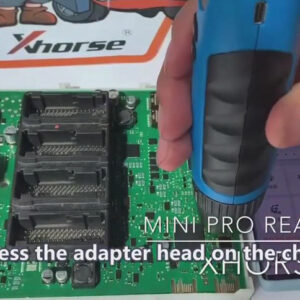
This is BMW FEM/BDC PCB. Now, I’ll show you how to use Xhorse MINI Prog to read BMW FEM/BDC data. Here is the procedure: First, we need to take the emery wand to polish the eight corners by removing grease and waterproof glue. Press MINI Prog on the chip. After pressing, select “EEPROM and Flash” on the Xhorse app. Then select the manufacturer. Choose “25256”, then rRead More…

why-release-vvdi-key-tool-plus-05

Why Release Xhorse VVDI Key Tool Plus?

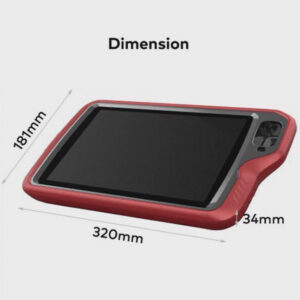
Why release VVDI Key Tool Plus? Before answering this question, let’s turn our attention to the evolution of Key Tool series products first. 1. VVDI Key Tool The first Key Tool product is VVDI Key Tool, the beginning of the whole series. VVDI Key Tool has screen, built-in battery, Bluetooth, buttons, and calculator. It can finish various tasks without connecting to smartphone. But it is noRead More…

what-functions-does-key-tool-plus-have-01

What Functions Does VVDI Key Tool Plus Have?

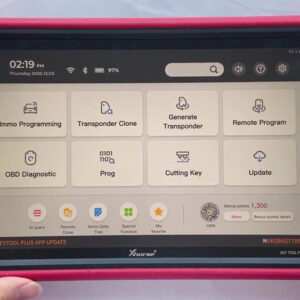
What functions does VVDI Key Tool Plus have? Read this post carefully and you will find the answer. Switch on Key Tool Plus, and we can see its main operation interface. We’ll talk about these functions one by one. 1. Immo Programming Click “Immo Programming”, then we can see it supports plenty of car models, including luxury cars like Volkswagen, Audi, BMW, Mercedes-Benz, PorscheRead More…

use-xhorse-mini-prog-to-read-porsche-bcm-data-14

Use Xhorse MINI Prog to Read Porsche BCM Data

This post will explain how to use Xhorse MINI Prog to read Porsche BCM data. Here is the procedure: 1. Align the circuit board with the adapter, then use an emery magic wand to polish the contact points. 2. Install the adapter and use the fixing piece to fasten it. 3. Connect Xhorse MINI Prog with the adapter. 4. Select “Immo” in the Xhorse app and enter “Porsche”>>Read More…

key-tool-plus-benz-key-token-collection-point-exchange-01

Use Xhorse Key Tool Plus to Collect Bonus Points & Exchange Tokens?

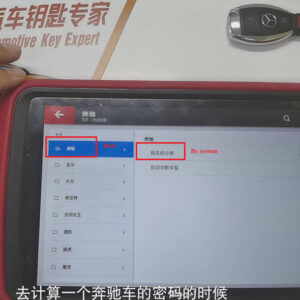
In this post, I’d like to show you how to use VVDI Key Tool Plus to collect bonus points of Benz key and how to use bonus points to exchange tokens via the Xhorse app. The reason to obtain tokens: To calculate the password for Benz car (1 token for adding a key, 2 tokens for programming a key when all keys lost). First of all, let me show you the ways to get points: 1. VVDI Key Tool PlusRead More…