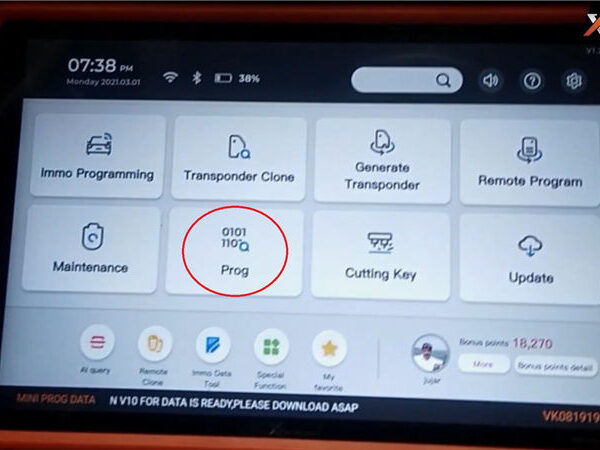
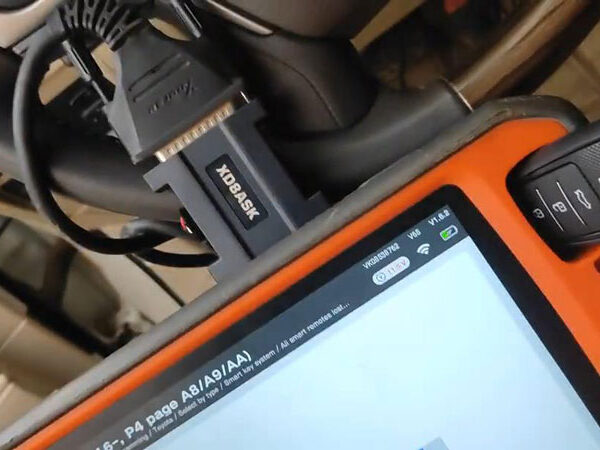
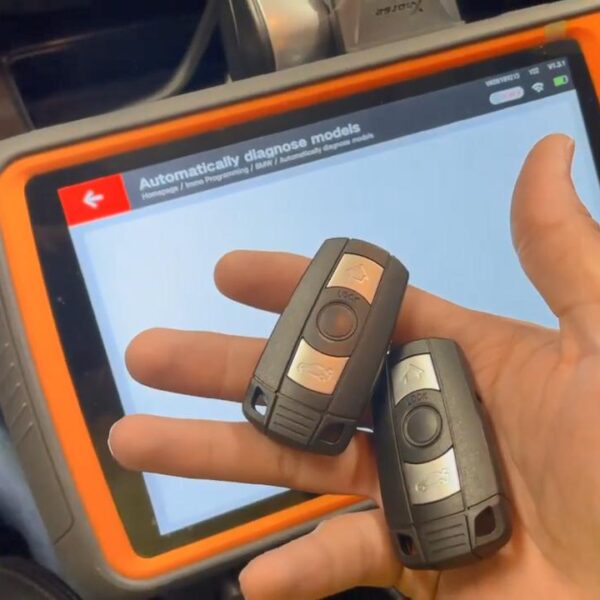
The Xhorse VVDI Key Tool Plus is a premier solution for VAG MQB49 5C/5D immobilizer systems. However, in specific scenarios, the device may fail to display the required key wiring diagrams. This guide provides the streamlined fix for the “Failed to obtain image” notification to ensure seamless programming.
The Issue
When attempting to read VAG MQB49 5C key data, the Key Tool Plus interface fails to display the wiring diagram and triggers the error message: “Failed to obtain image”.
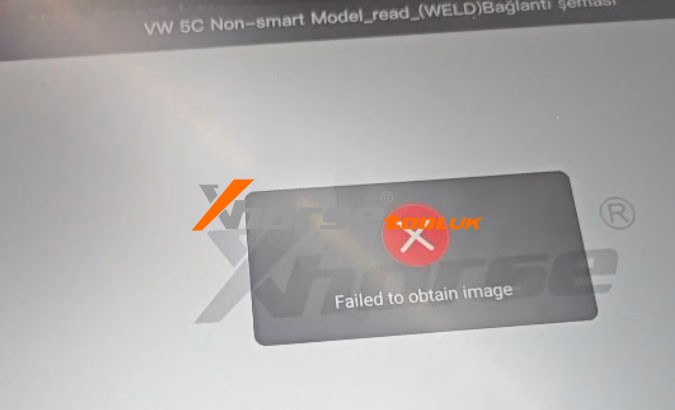
How to Fix the “Failed to Obtain Image” Error?
If you encounter this specific notification, apply these two streamlined fixes:
1. Switch Network: Change your Wi-Fi connection or use a mobile hotspot to rule out server timeout issues.
2. Refresh Databases: Redownload the IMMO and Prog databases from the Update Center to replace any missing or corrupted files.
Summary of Steps
| Error | Root Cause | Solution |
| Failed to obtain image | Connection or Database Glitch | Change Network or Redownload Databases |
Technical Support & Services
Need further assistance or looking for the latest Xhorse updates? Visit www.xhorsetool.co.uk for professional technical support, genuine Xhorse tools, and comprehensive programming resources tailored for UK locksmiths.