

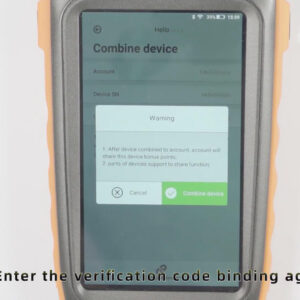
Activating and binding Xhorse VVDI Key Tool Max
Question: After receiving Xhorse VVDI Key Tool Max, how to activate and bind the device? Solution: you should do the following steps: 1. Click “Start to set” 2. Choose the available Wifi connection and enter the password, then click the tick, then click “Connect” 3. Enter your mobile phone number and click “send” 4. After security code has been sent, please enterRead More…