Programming keys for Audi models like the RS5, Q5, and A6 with an encrypted BCM2 module requires precision and the right hardware. This guide outlines the professional workflow for adding a key or handling an “All Keys Lost” (AKL) situation using the Xhorse VVDI Key Tool Plus.
Prerequisites & Tools Needed
Device: Xhorse Key Tool Plus.
Adapter: Xhorse BCM2 Solder-free Adapter (prevents risky soldering).
Connection: Stable Wi-Fi (critical for data processing).
Power: 12V power cable for the adapter.
Step-by-Step Programming Process
1. Initial Identification (OBD)
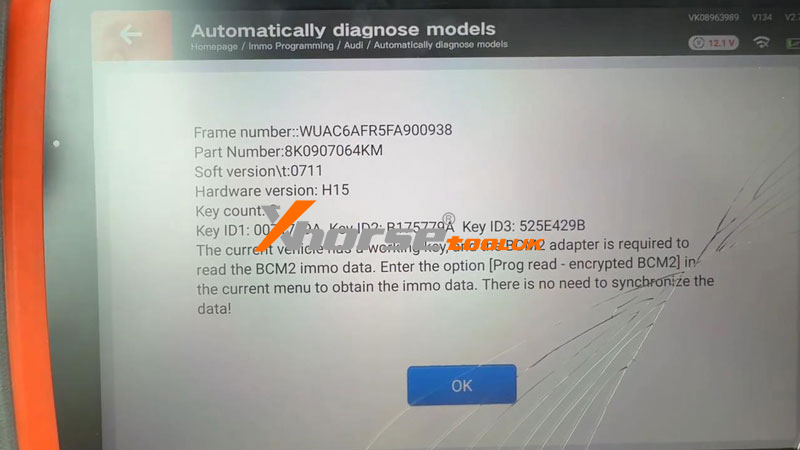
Connect the Key Tool Plus to the vehicle’s OBD2 port to verify the module type.
Check if the BCM2 is encrypted.
If it is not encrypted, the process can be completed entirely via OBD.
If encrypted, you must remove the BCM2 module for bench work.
2. BCM2 Module Removal
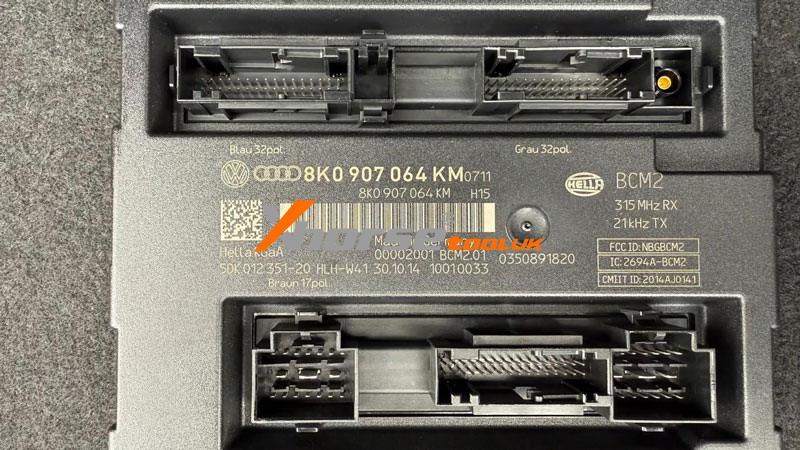
The BCM2 module is typically located in the rear right of the vehicle.
Safety Tip: Disconnect the power supply connector first before removing the other plugs.
The module is generally easy to access and remove.
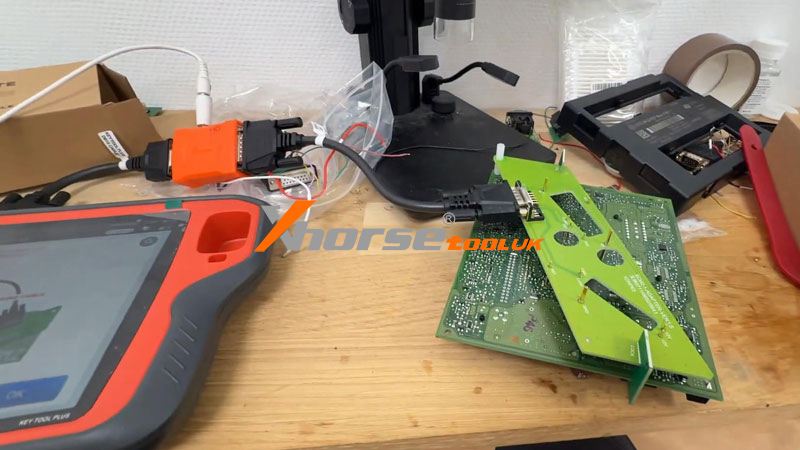
3. Bench Work with Solder-free Adapter
Using an adapter is highly recommended to avoid the high risks associated with soldering.
Identify Version: Check the MCU and reference number on the BCM2 to choose either Adapter #1 or #2.
Connect: Secure the BCM2 into the adapter and ensure all pins are correctly aligned.
Data Reading path:
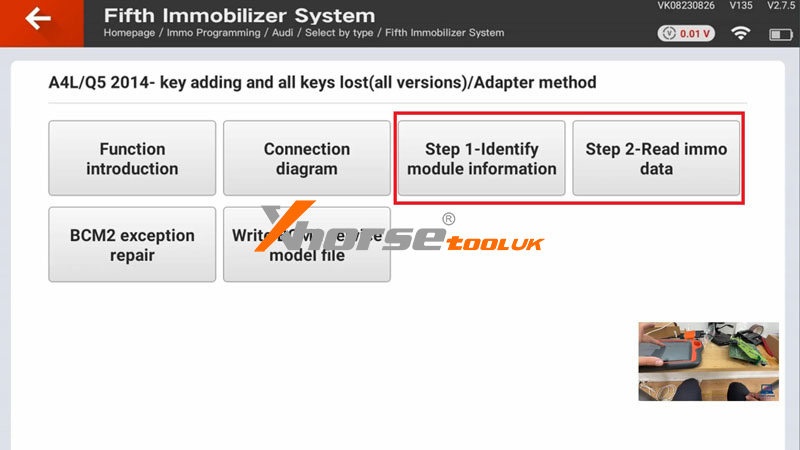
Immo programming >> EUROPE >> Audi >> Select by type >> Fifth immobilize system >> Read BCM2 Data >> Programmer Read(Encrypted BCM2) >> A4L/Q5 2014- key adding and all keys lost(all versions) >> Adapter method >> Step1 – identify module information >> Read >> Save data file
Write Service Mode: This is the most critical stage. Ensure your internet connection is stable and do not disturb the device.
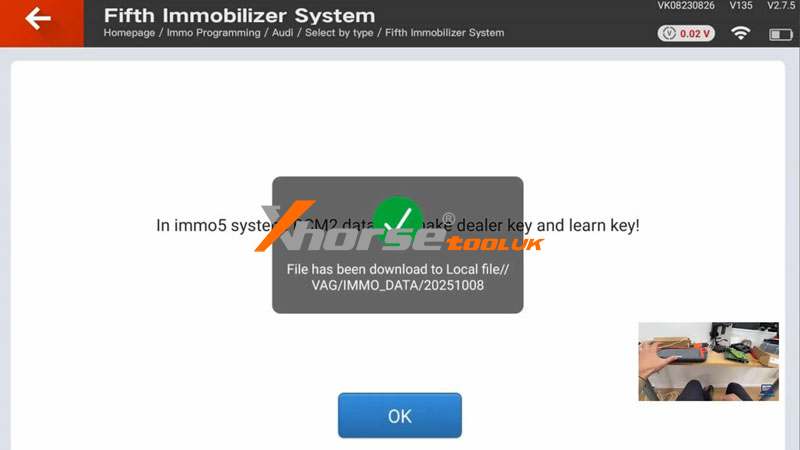
(1) Follow Step2 to read/save immo data
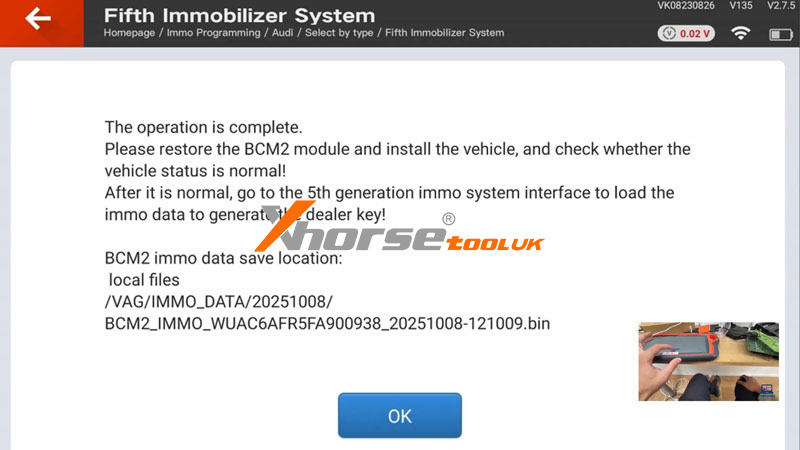
(2) Click Write >> Save BCM2 data
4. Key Generation & Learning
Once the Service Mode is written, reinstall the BCM2 into the vehicle.
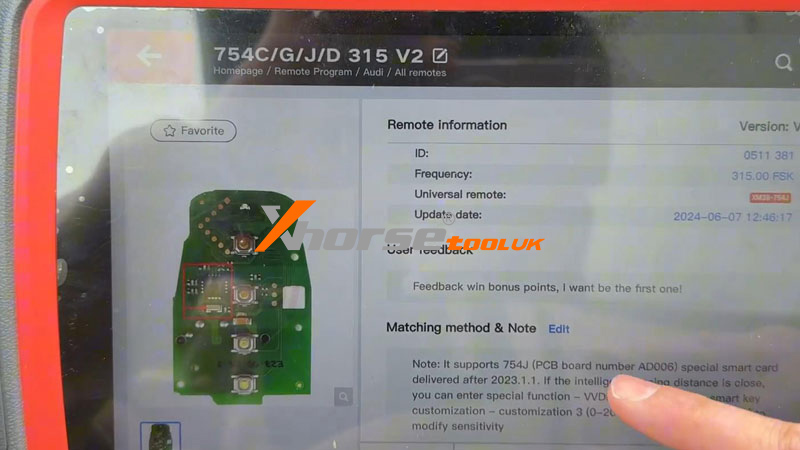
Generate Key: Remote Program >> Audi >> All remotes >> 754C/G/J/D 315 V2
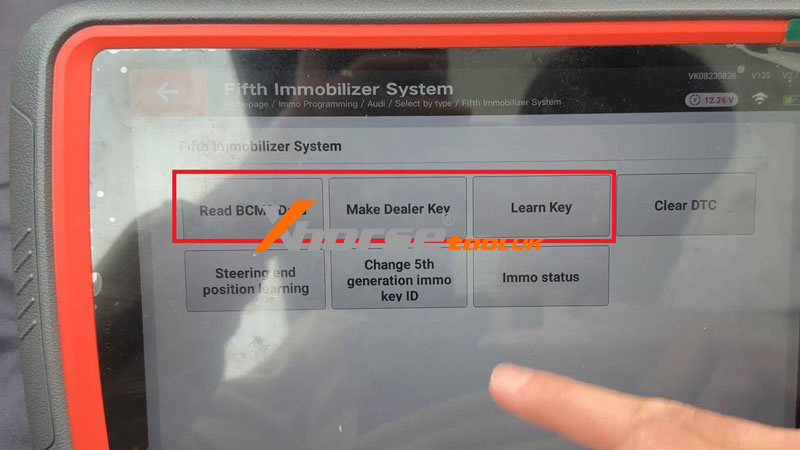
Make Dealer Key: Select the correct frequency (e.g., 315MHz) and proceed via Fifth immobilize system >> Make dealer key
Key Learn: Use the “Learn Key” function.
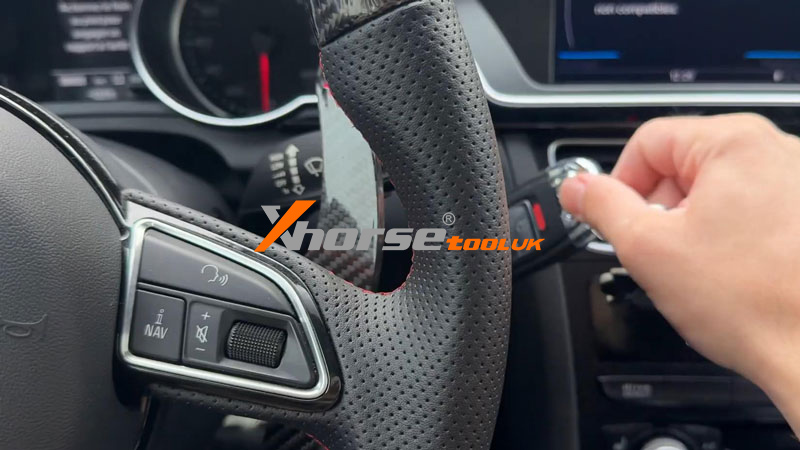
(1) Insert the original customer key first.
(2) Once the dashboard shows 1/2, insert the new key.
Verification: Test both keys to ensure they start the engine and all remote/keyless functions work correctly.
Pro Tips for Success
Stability is Key: A stable internet connection is the difference between success and a bricked module.
Frequency Matching: For imported vehicles (like Korean models), ensure you manually set the correct frequency, as standard dealership tools often cannot handle non-regional frequencies.
Market Value: Programming these encrypted keys is a premium service. Dealerships often charge upwards of €450; using the Xhorse method is significantly faster and more flexible.
Get Started Today
Ready to upgrade your locksmith capabilities? Visit www.xhorsetool.co.uk to find the Xhorse Key Tool Plus and the Audi BCM2 Solder-free Adapter kit.