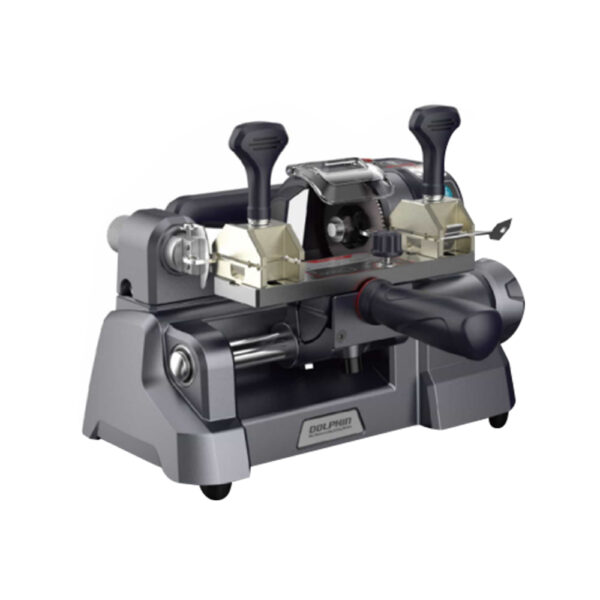
Purpose: A step-by-step guide for users to self-diagnose the battery and BMS health of the Xhorse Dolphin XP-005/005L Key Cutting Machine using a multimeter.
1. Preparation
Required tools: screwdriver, multimeter.
Ensure the device is powered off before starting.
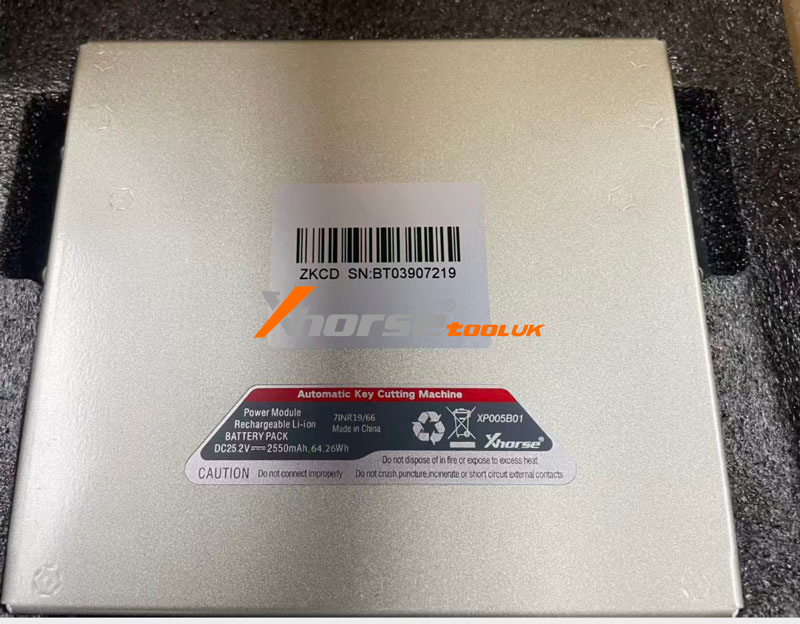
2. Remove Back Cover (If Required)
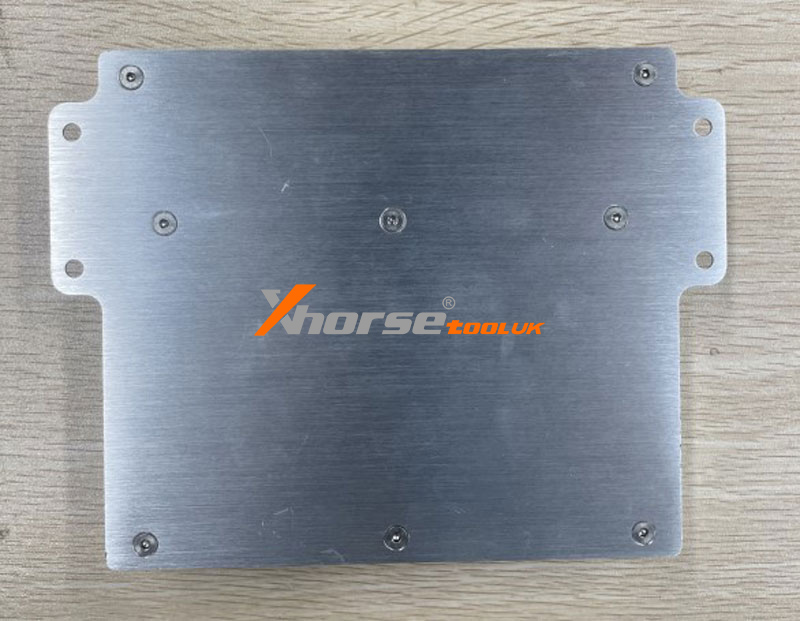
Unscrew 8 screws on the back cover.
Keep screws safe for reassembly.
3. Locate Test Points
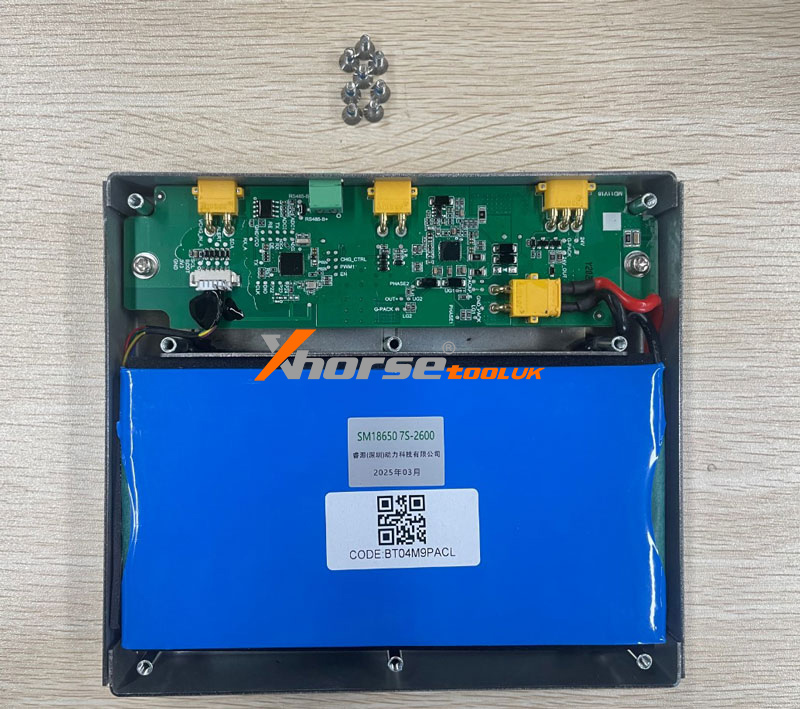
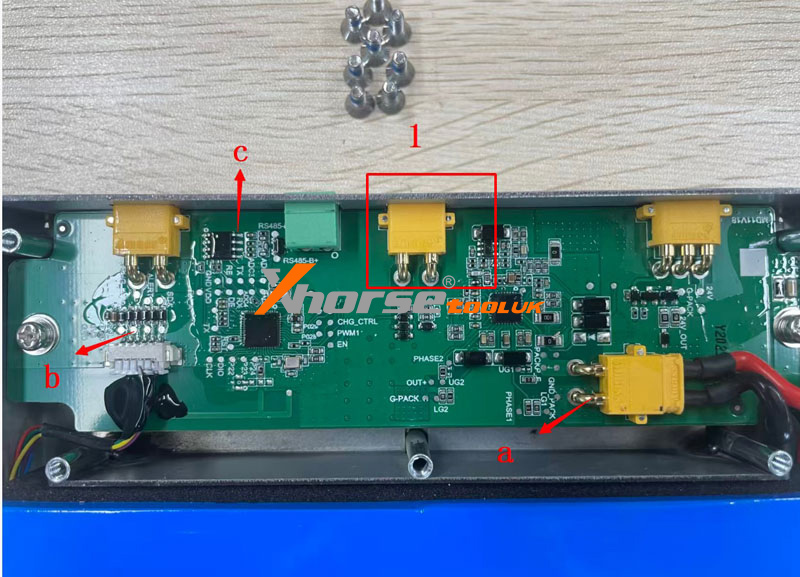
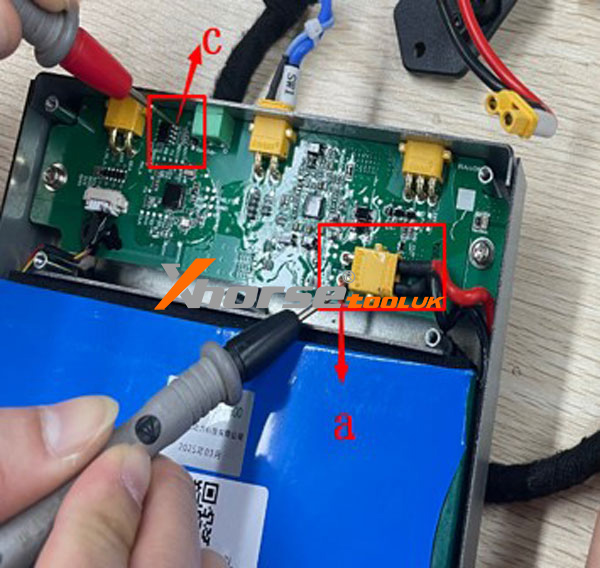
Refer to the battery layout diagram. Labels on the board indicate:
1 →PWR ON: Power switch
a →GND: Ground point
b →VCC 3V: 3V test point
c →VCC 5V: 5V test point
4. Test Battery Cell Condition
Remove coating from the 3.3V test point.
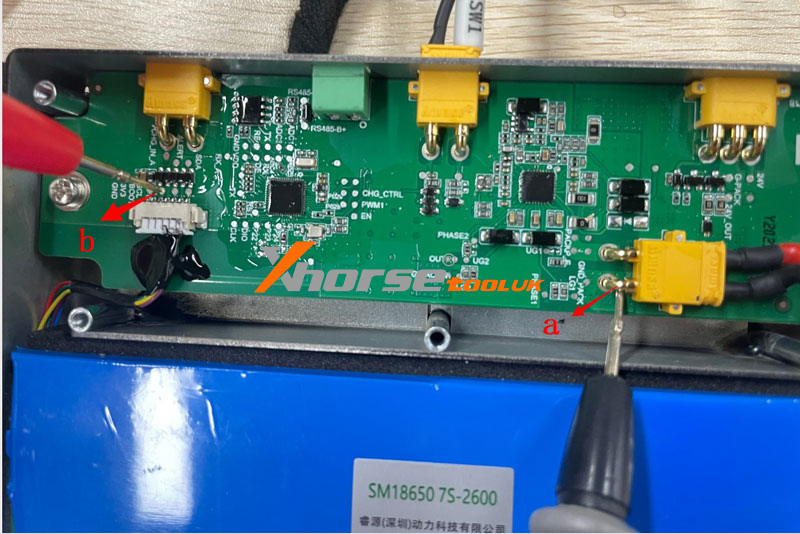
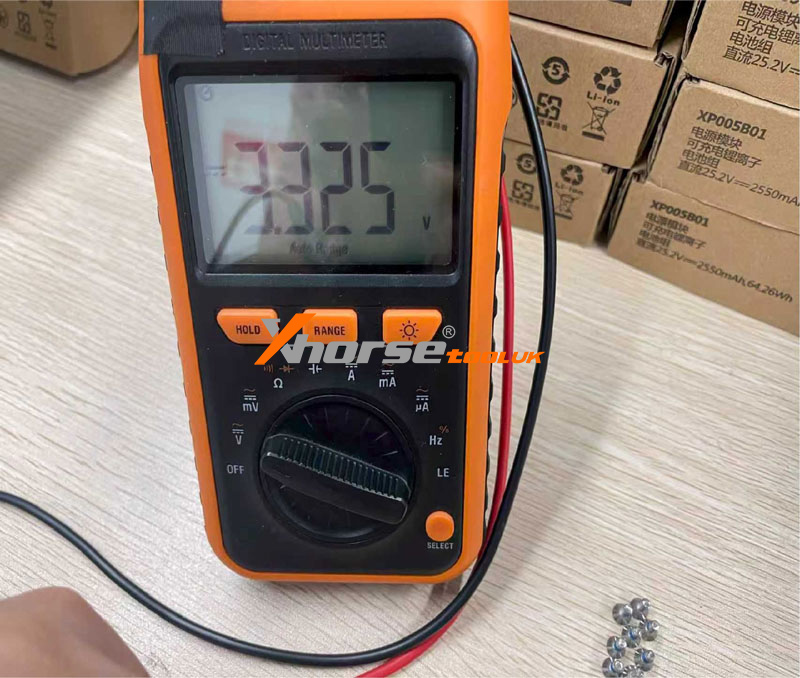
Use a multimeter to measure the voltage between the 3.3V point and GND.
Result:
If the voltage is ≈3.3V → battery cell is good.
Otherwise → battery cell may be faulty.
Method A – Back Cover Removed
Turn the power switch ON.
Remove coating from the 5V test point.
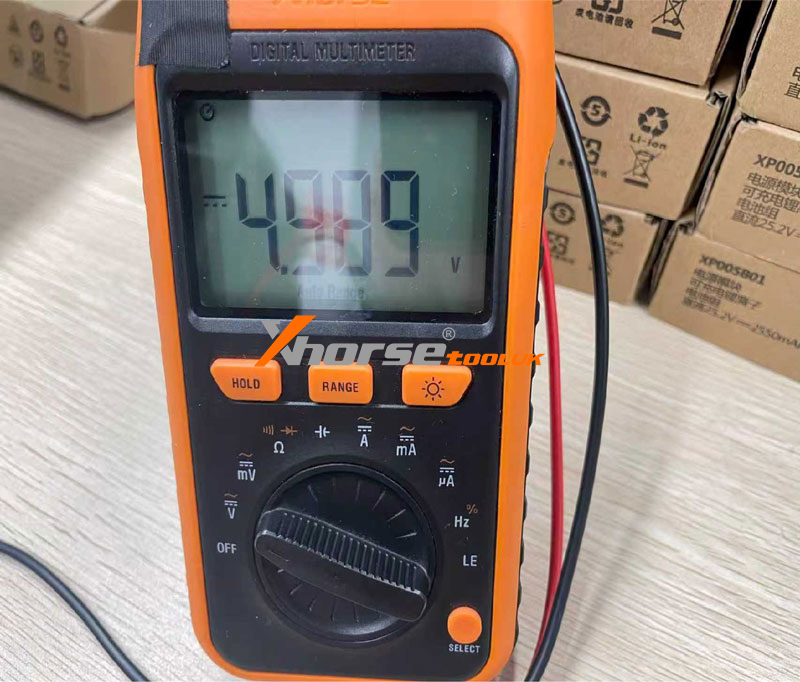
Measure the voltage between the 5V point and GND.
Result:
If the voltage is ≈5V → BMS is good.

Method B – Back Cover Not Removed
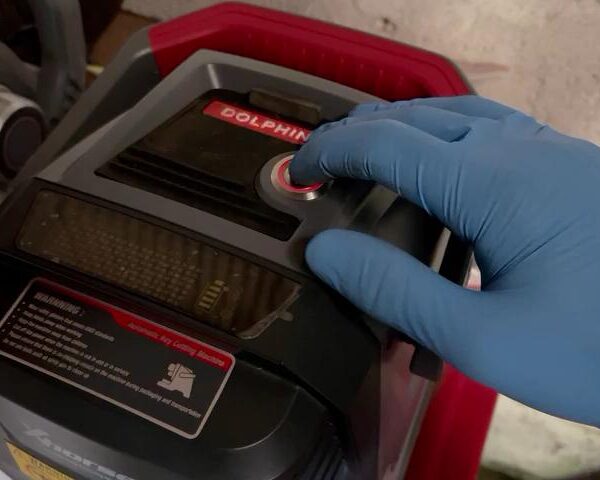
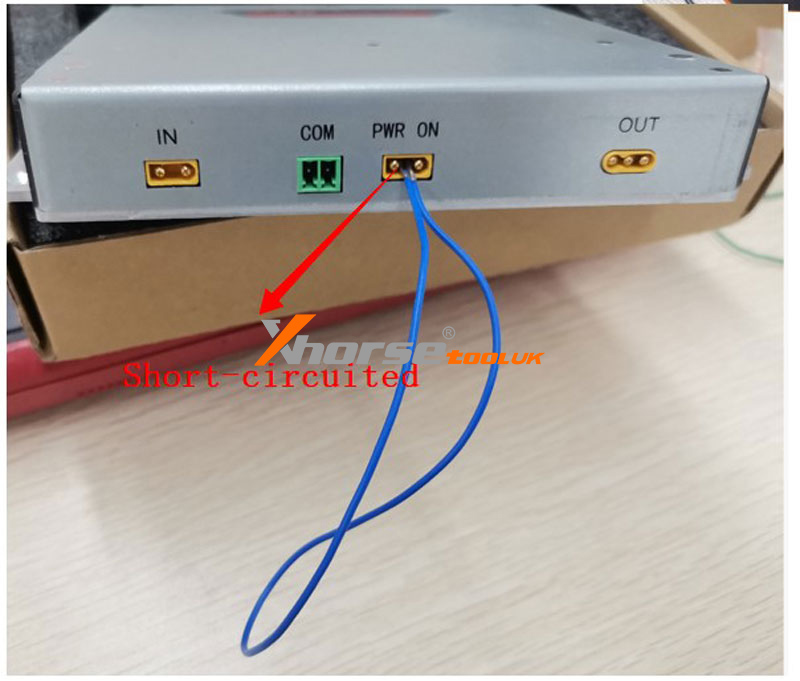
Locate PWR ON pins.
Short-circuit the PWR ON pins (refer to diagram).
Measure voltage between:
Point a (GND) and Point c (VCC 5V).
Result:
If the voltage is ≈5V → BMS is good.
6. Notes
① Always remove insulating coating from test points before measuring.
② If the back cover is removed, ensure the power switch is ON for the BMS test (Method A).
③ For Method B, short-circuit PWR ON only as shown in the diagram.
④ Reassemble the device securely after testing.