VVDI Remote Keys offer a streamlined approach to key programming and diagnostics. Here’s a clear, step-by-step breakdown of essential functions to enhance your workflow. Applicable to MINI Key Tool, Key Tool Max/Key Tool Max Pro, Key Tool MIDI and Key Tool Plus.
1. Detect Remote Information
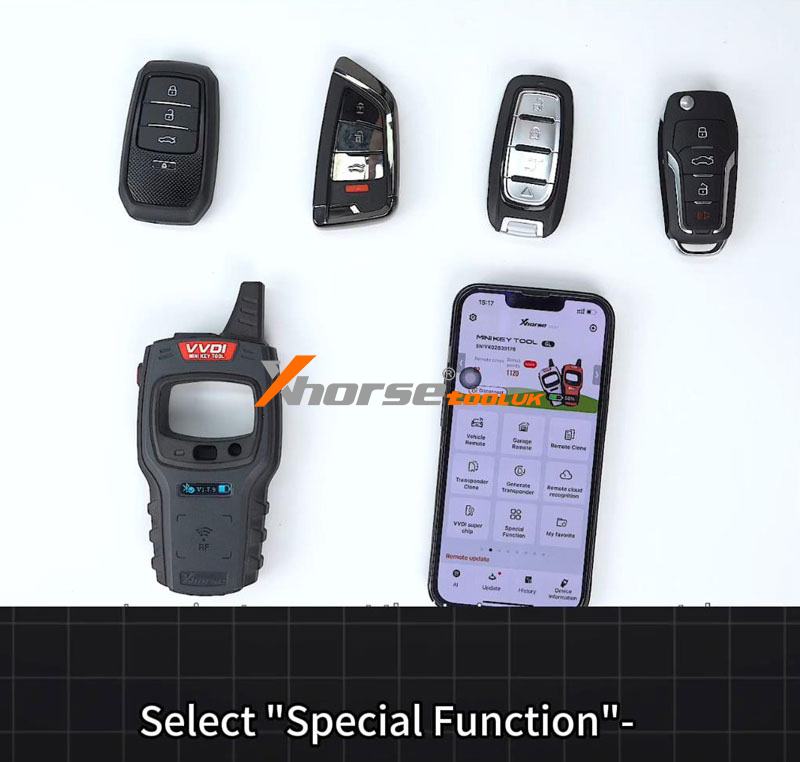
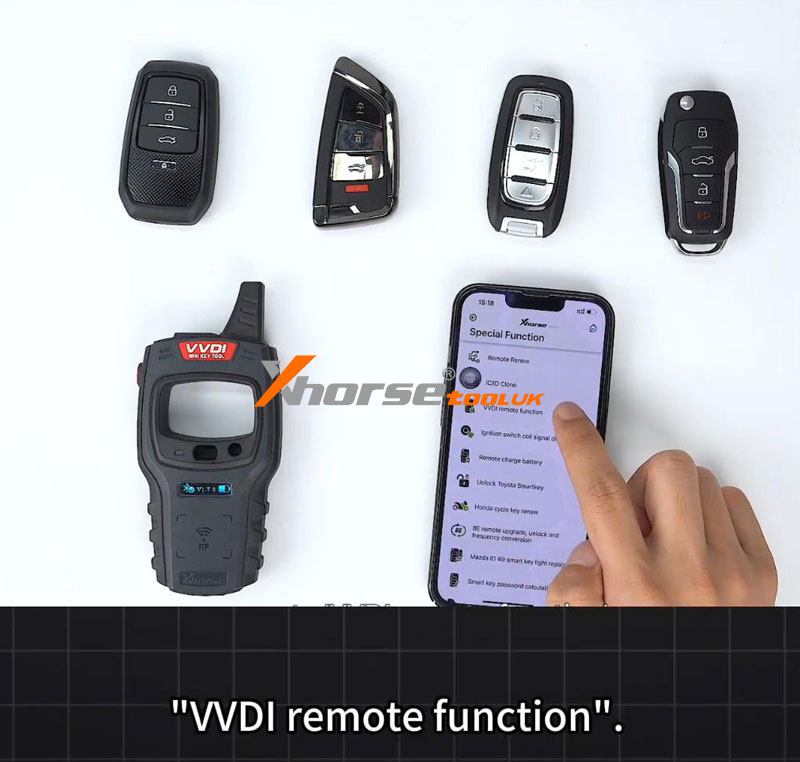
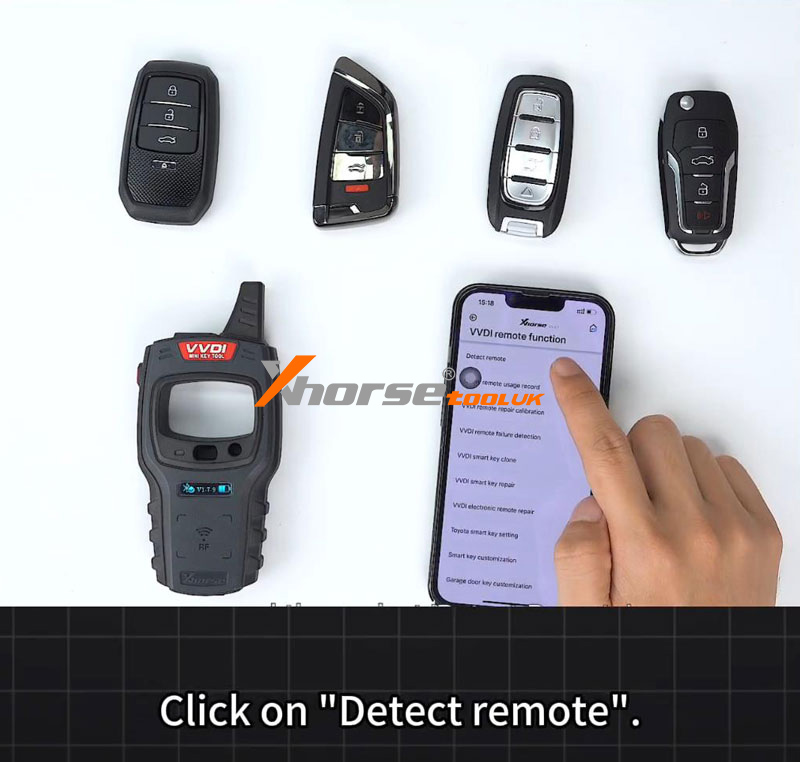
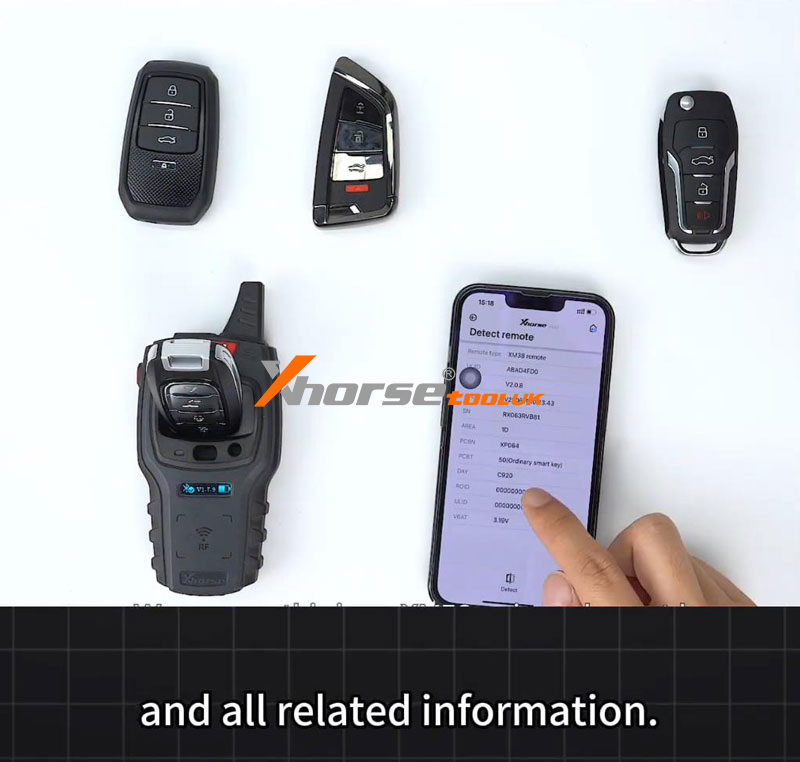
Begin by navigating to the Special Function > VVDI Remote Function > Detect Remote interface. Place the remote in the detection zone, and within moments, the system will display the remote type and all relevant technical details.
2. Query Remote Usage History
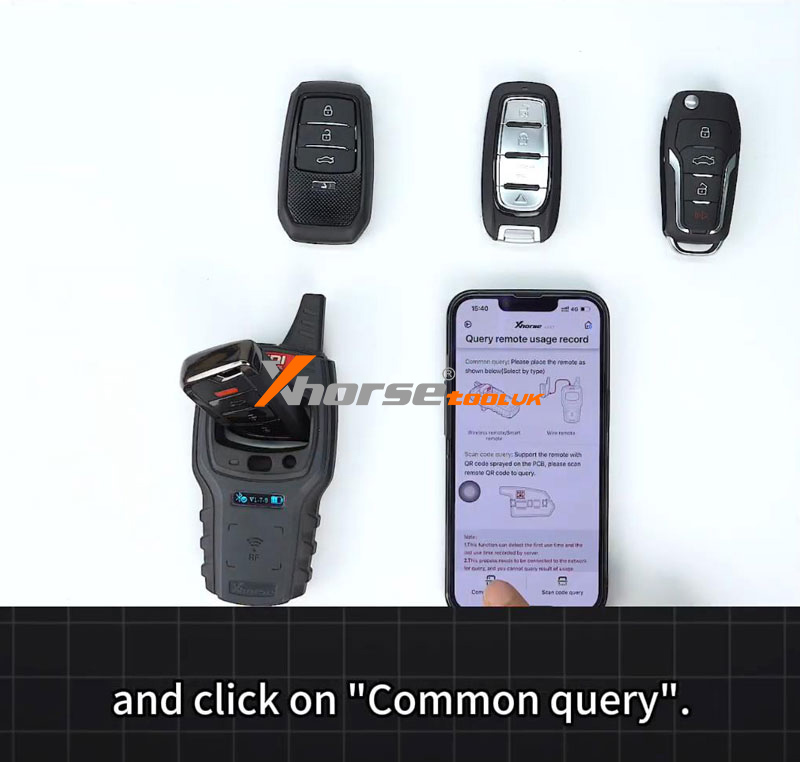
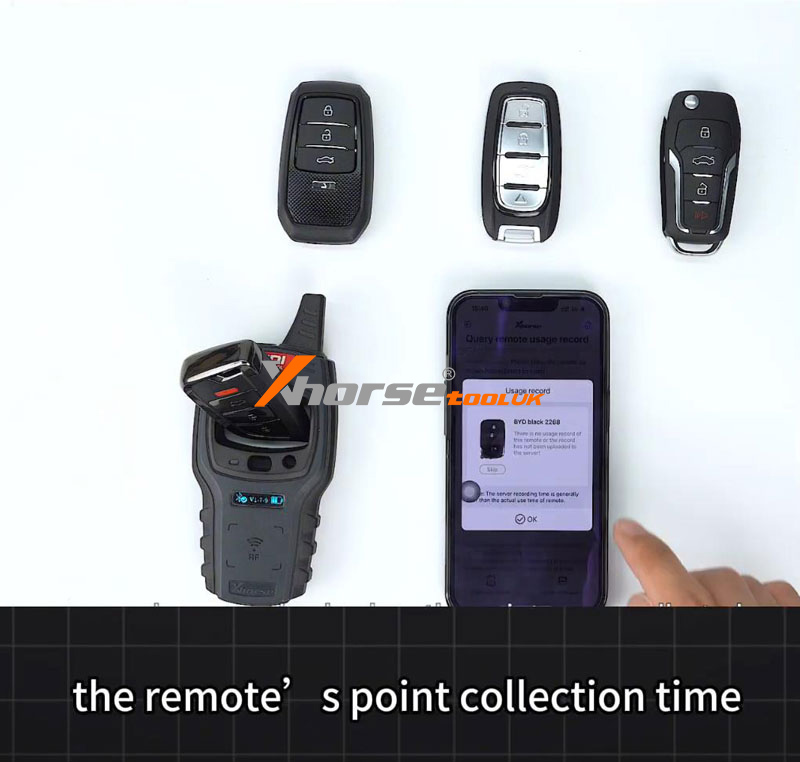
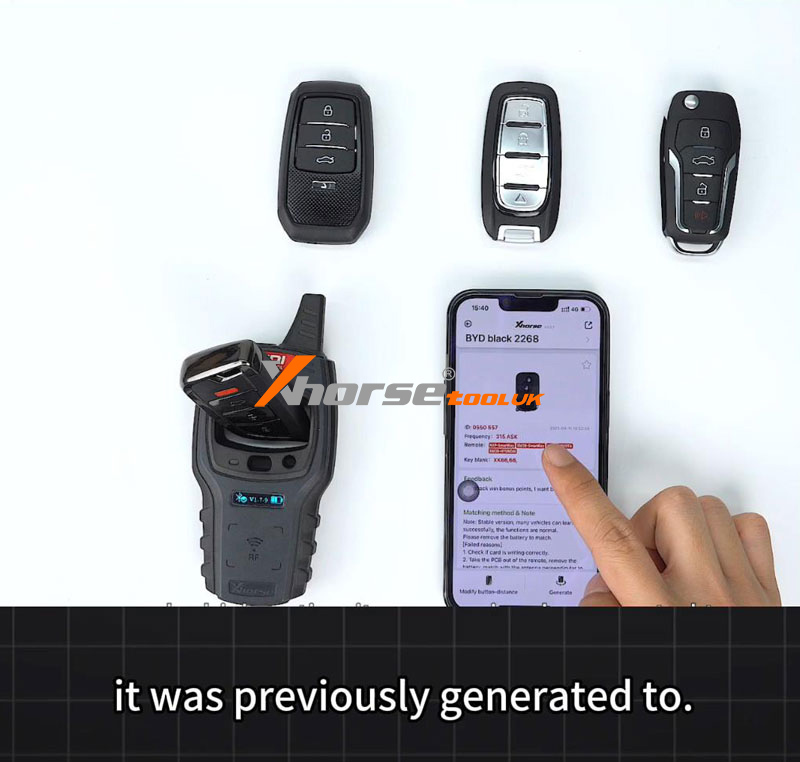
Select the Query remote usage record, then choose Common query with the remote in position. After a brief scan, you can review the remote’s point collection time, generation time, and the option it was previously generated for—valuable data for diagnostics and audits.
3. Clone Remotes Without Key Learning
VVDI also enables remote cloning without traditional key learning:
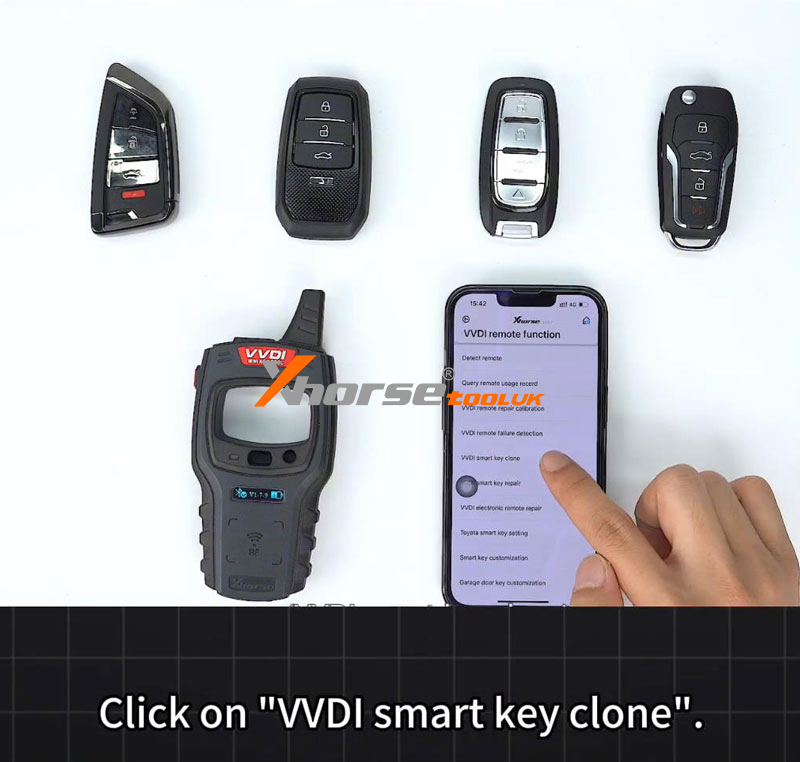
① Go to VVDI Smart Key Clone.
② First, read data from an already-paired key.
③ Once data is read successfully, place a new remote into the coil.
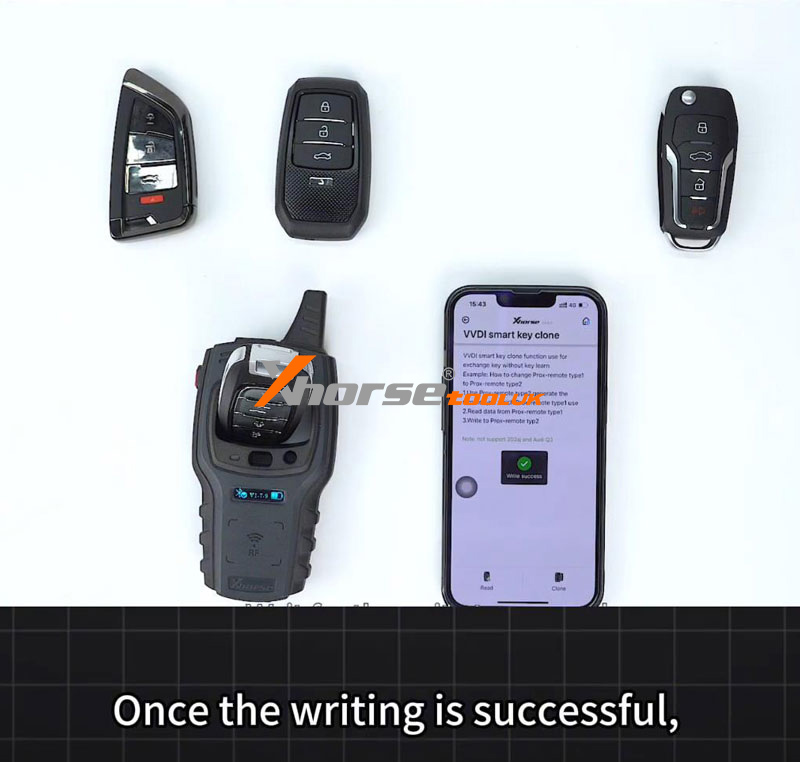
④ Click Clone to transfer the data.
⑤ After a successful write, the new remote is ready to use immediately—no additional pairing required.
These built-in VVDI features help save time, reduce complexity, and improve accuracy in remote programming and diagnostics.