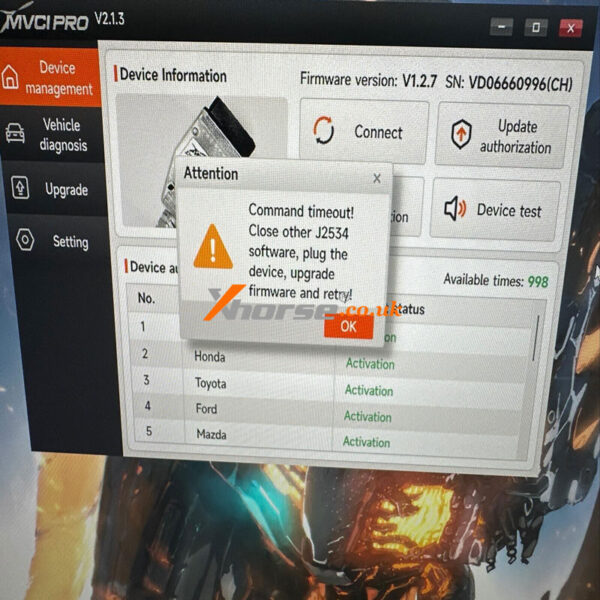
Xhorse.co.uk provides Xhorse MVCI PRO J2534 Driver free download & installation user guide. Compatible with VAG ODIS, TIS(Toyota Techstream), Honda HDS, Subaru SSM4, FDRS IDS, and Mazda IDS diagnostic software.
| Supported Vehicle Communication Protocols | |||
| CAN | CAN_PS | FT-CAN_PS | FT_ISO15765_PS |
| ISO15765 | ISO15765_PS | ISO14230 | ISO14230_PS |
| ISO9141 | ISO9141_PS | J1850PWM | J1850PWM_PS |
| J1850VPW | J1850VPW_PS | SW_CAN_PS | SW_ISO15765_PS |
Where to free download Xhorse MVCI Pro j2534 driver?
https://mega.nz/file/S3xCFDIB#MjmQNzgll4pJEERnq1v__sHx6n3C9nr-cMwJqChNPAs
Software Size: 52.2MB
Language: English, Chinese
Operating System: Windows7, Windows10
How to install & start Xhorse MVCI PRO J2534?
*Note: Ensure your computer has the original diagnostic software supporting J2534. Please download it from the original manufacturer’s website or a third party.
1. Install the J2534 driver
Select language >> Next >> Next >> Install >> Finish
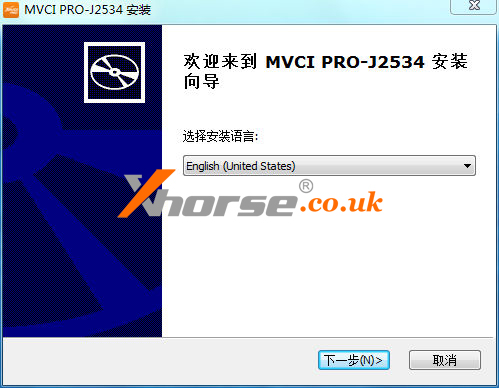
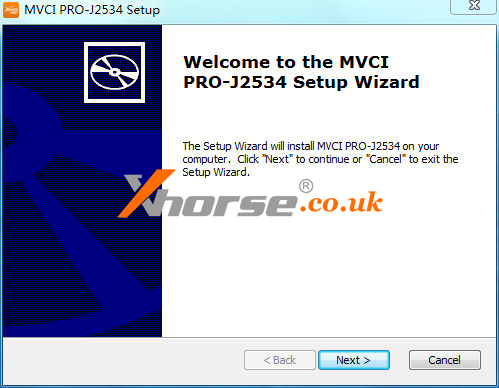
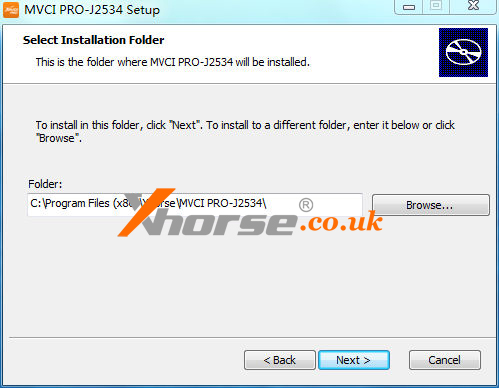
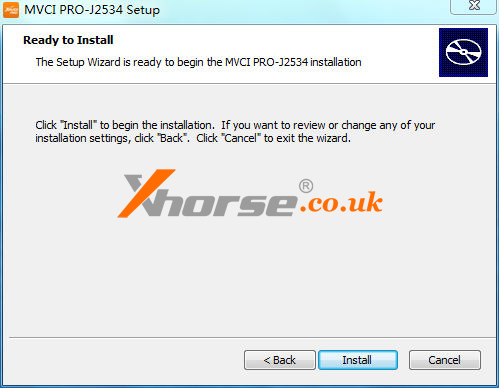
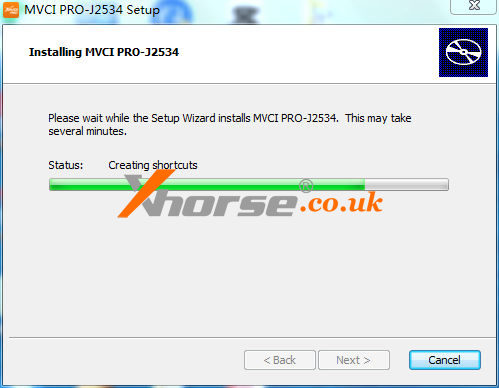
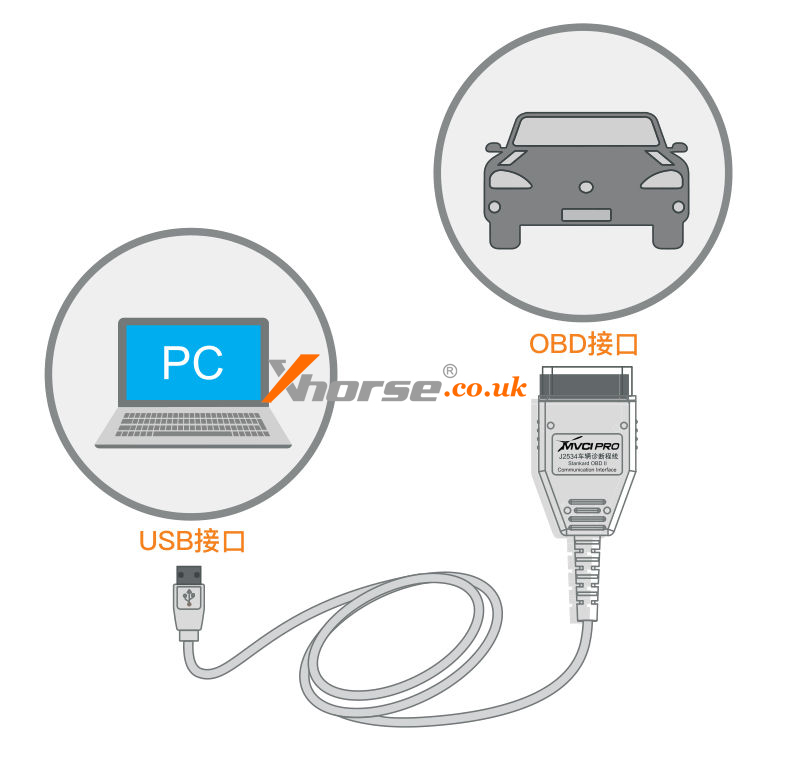
2. Connect MVCI PRO J2534 to car OBD & computer.
3. Start MVCI PRO J2534.
- Click “Connect”: after a successful connection, here can check the device info including firmware version, serial number, etc.
- Read authorization – read the current device authorization status and available times (when the available times are 0, most functions will be limited).
- Update authorization – update the latest authorization status and reset the available times of the device.
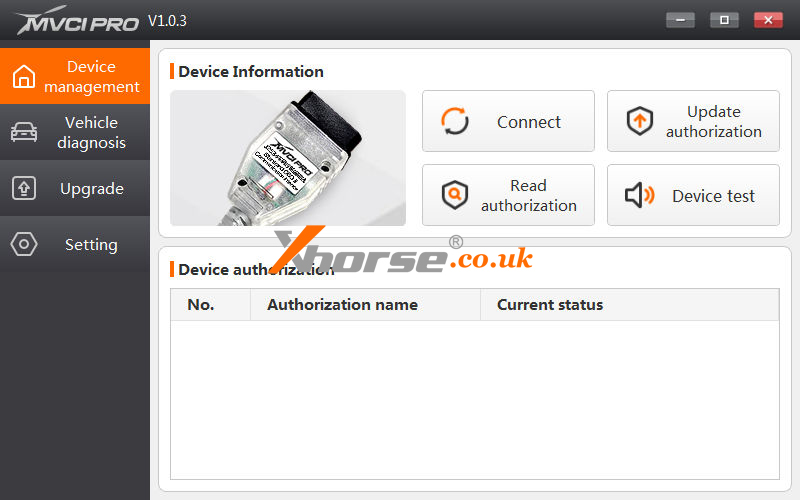
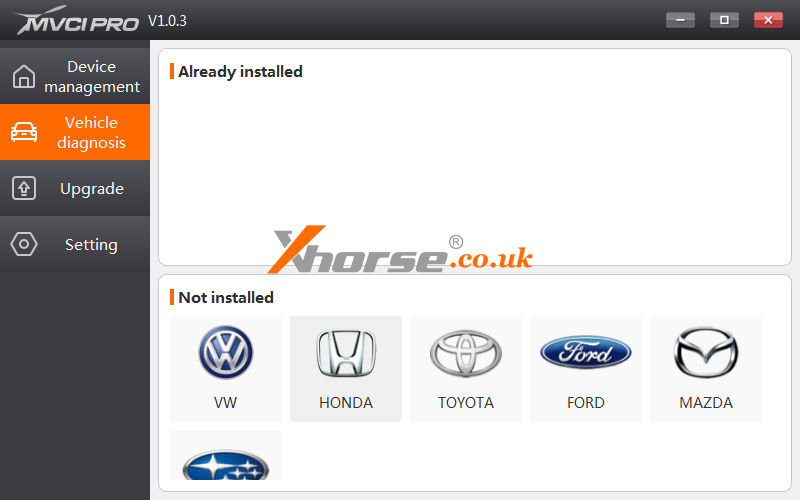
- Vehicle diagnosis – install the driver of the corresponding brand, which currently supports VW, Honda, TOYOTA, FORD, MAZDA, and SUBARU. After installation, users can perform the original diagnostic software.
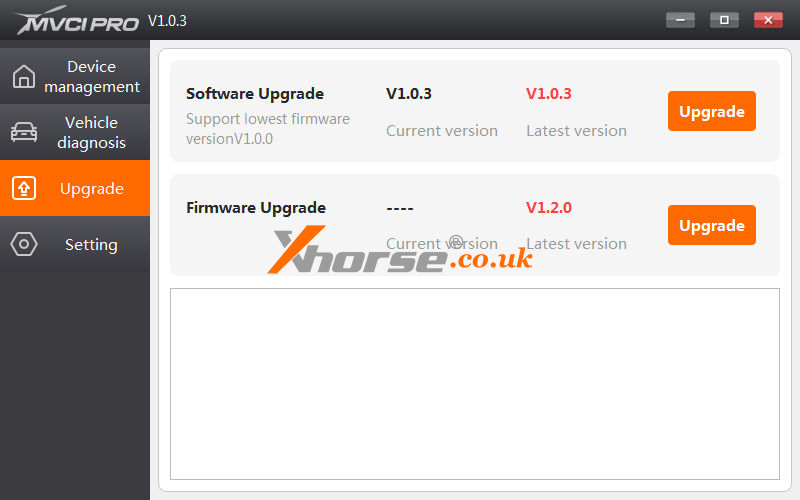
- Upgrade – check the current version info, and update software and firmware.
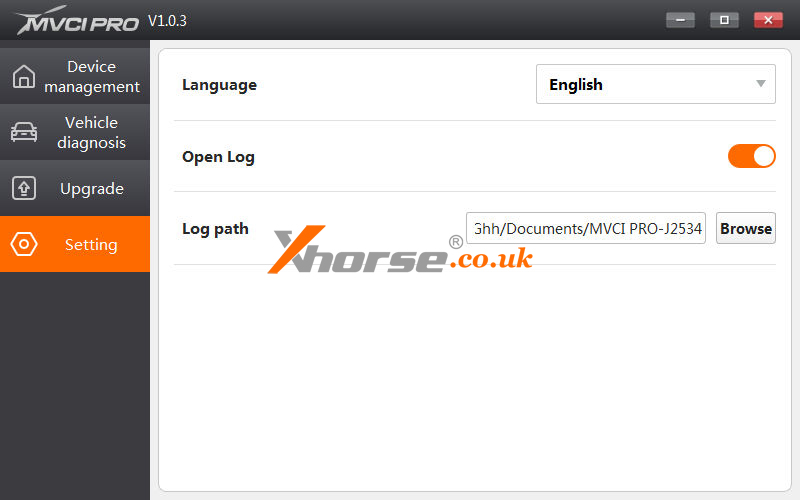
- Setting – switch language, open and save operation logs.
What’s new in Xhorse MVCI PRO J2534 Cable?
| Item | Xhorse MVCI Pro J2534 | Xhorse MVCI |
| Image |  |
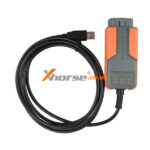 |
| Product Status | Latest released in 2023 | Discontinued |
| D-PDU Protocols | √ | × |
| J2534 protocols | √ | √ |
| Toyota Techstream | √ | √ |
| Honda HDS | √ | √ |
| Subaru SSM4 | √ | × |
| Ford IDS | √ | × |
| Mazda IDS | √ | × |
| VAG ODIS | √ | × |
| Volvo VIDA | Not yet | √ |
| Upgrade | Update by cable | × |
| Driver | MVCI Pro driver | MVCI driver |
| Operating system | Win7, Win8, Win10 | Win XP, Win7 |
MVCI Pro J2534 vs. MVCI
- MVCI Pro is new.
- MVCI Pro supports D-PDU protocols while MVCI cannot.
- MVCI Pro is compatible with Subaru SSM4, Ford IDS, Mazda IDS, and VAG ODIS diagnostic software while MVCI cannot.
- MVCI Pro supports updating while MVCI cannot.