How To Clone Bmw G U Chassis Bdc3 Key With Xhorse Key Tool Plus 1

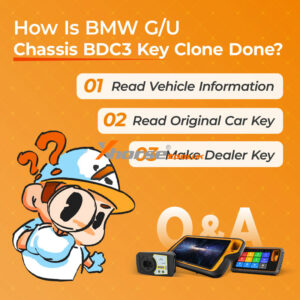
How to Clone BMW G/U Chassis BDC3 Key with Xhorse Key Tool Plus?

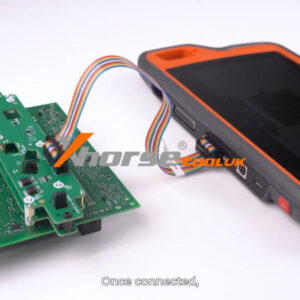
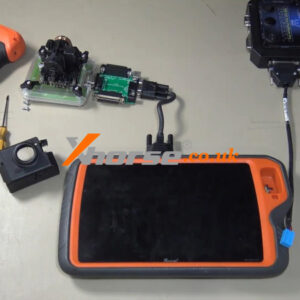
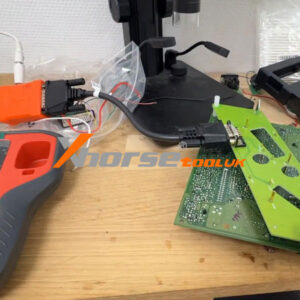
This guide provides a step-by-step tutorial on cloning a BMW G/U Chassis BDC3 key using the Xhorse VVDI Key Tool Plus. The process is simple and applicable to Key Tool MIDI and VVDI2 as well. Step 1: Read Vehicle Information ① Enter the Immo Programming menu and select the BMW model. ② Choose G/U Chassis BDC03/BCP IMMO System. ③ Click Start Programming. ④ Click Read Vehicle InfoRead More…

Xhorse Vvdi Key Tool Plus Sfd Manual Unlock Tutorial For Vag 1

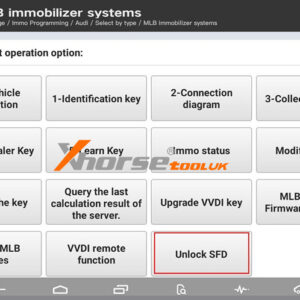
Xhorse VVDI Key Tool Plus SFD Manual Unlock Tutorial for VAG

Great news: The latest Xhorse VVDI Key Tool Plus database now supports manual unlocking of VAG/Audi SFD security gateways. This guide outlines the step-by-step process for unlocking SFD-protected control units, enabling vehicle diagnostics and key programming. Applicable Devices: VVDI Key Tool Plus VVDI Key Tool MIDI Before You Begin: Ensure your device database is updated to the lRead More…

Solved Xhorse Key Tool Plus Vt02 Usb Tpms Connection Error 1

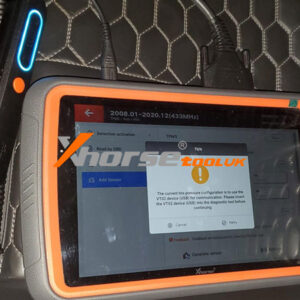
Solved: Xhorse Key Tool Plus “VT02 USB” TPMS Connection Error

If you’re using the Xhorse VVDI Key Tool Plus with a TPMS adapter from the Key Tool MIDI and encounter the message: “The current tire pressure configuration is to use the VT02 device(USB) for communication. Please insert the VT02 device(USB) into the diagnostic tool before continuing.” Don’t worry – this is a common configuration issue that can be resolved quickly. Here’s what the message meanRead More…

How To Fix Xhorse Vvdi Key Tool Plus Update Failed Error 20 58

How to Fix Xhorse VVDI Key Tool Plus” Update Failed Error 20_58″?

Problem: The Xhorse VVDI Key Tool Plus Pad encounters a firmware update failure with the message “Update failed, please retry! error=20_58” 1. Please check whether the device whether connected successfully. 2. Server busy, please retry later. What’s the matter? Please help. Solution If the above steps do not resolve the issue, the device likely requires professional servicing. ReRead More…

Xhorse Audi Bcm2 Adapter Tutorial For Key Tool Plus Multi Prog 3

Xhorse Audi BCM2 Adapter Tutorial for Key Tool Plus & Multi-Prog

This tutorial will guide you through using the Xhorse Audi BCM2 Solder-Free Adapter to read vehicle D-flash and P-flash memory and calculate IMMO data. The new version adapter supports all BCM2 series modules. Preparation Identify the correct adapter (Adapter A or Adapter B) for your BCM2 module Prepare VVDI Key Tool Plus or Multi-Prog Programmer Verify adapter pin alignment witRead More…

Xhorse Vvdi Be Key The Solution For 2010 2011 Benz E Class 1

Xhorse VVDI BE Key: The Solution for 2010-2011 Mercedes E-Class

Just programmed a 2010 Mercedes E350 smart key successfully! Everyone said it couldn’t be done – “Proximity keys don’t work on pre-2011 E-Classes,” they warned. But I took a chance with the Xhorse VVDI Key Tool Plus and their Xhorse Universal Proximity Key. Spoiler: it worked perfectly. Here’s exactly how this powerful combo proved the myths wrong and delivered full smart key functionality in uRead More…

Xhorse Key Tool Plus Program Mercedes W211 All Keys Lost No Solder (2)

Xhorse Key Tool Plus Program Mercedes W211 AKL No Solder

This concise guide explains how to perform an all-keys-lost procedure for a 2005 Mercedes-Benz E500 W211 EIS using the Xhorse VVDI Key Tool Plus on bench. Required Tools & Equipment: VVDI Key Tool Plus Solderless EZS Adapter for W211 EIS (ST12) Multi-Function Adapter (to connect to Key Tool Plus) DB15 Cable T15 Torx Screwdriver New VVDI BE Key Optional: Bench Test Setup Step-by-StRead More…

Xhorse Xsbtk0en Smart Key Step By Step Setup Programming Guide (1)

Xhorse XSBTK0EN Smart Key: Step-by-Step Setup & Programming Guide

Upgrade your car with the Xhorse Bluetooth Digital Smart Key XSBTK0EN – a cutting-edge device that turns your smartphone into a digital car key. Enjoy keyless entry, remote start, and vehicle diagnostics, all without needing a network connection. Installation is simple via the OBD port, and control is seamless through the Smart Key Box app (iOS & Android). Step 1: Key Programming Note: ForRead More…

Xhorse Vvdi Key Tool Plus Erase Benz W164 Be Key (1)

How to Erase Benz W164 BE Key with Xhorse VVDI Key Tool Plus?

This is a VVDI BE Key for Mercedes-Benz W164 EIS. I don’t need the key at present. So I’m going to show how to erase the BE Key with Xhorse VVDI Key Tool Plus. Insert the BE Key Pro into the infrared antenna of the Key Tool Plus. Immo programming >> Benz >> Automatically diagnose models >> Read Write Key >> Read/Write key via IR >> Start programming >> EraseRead More…

Xhorse Vvdi Key Tool Plus Program 2007 Ducati Monster All Keys Lost (1)

Xhorse VVDI Key Tool Plus Program 2007 Ducati Monster All Keys Lost

We’re going to make a key for this 2007 Ducati Monster 695. Using the Xhorse VVDI Key Tool Plus, we’ll first read the IMMO data and then write it onto a super chip to start the bike. Here’s the cluster—you can see the EPROM 24C02 chip where we’ll extract the data. Prog >> EEPROM and FLASH >> ATMEL >> AT24CXX >> AT24C02 >> READ >> Start EEPROM rRead More…