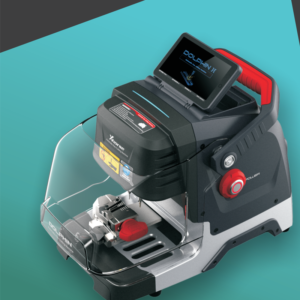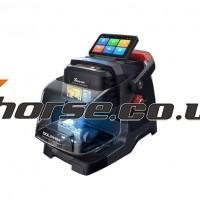
Xhorse Dolphin XP005L Dolphin II Cutting Calibration
Xhorse Dolphin XP005L Dolphin II Cutting Calibration 1) Click on “System” on the operation main interface. 2) Click on “Machine Parameter”. 3) Click on “Cutting Calibration”. 4) Please select the diameter of the milling cutter that you installed. 5) Operate by following the tips and click on “Start”. *Do not use the key HON66 that has cutted, you must use a brand Read More…